
Tax Season Simplified: Maximizing Deductions with Organized Receipts
Stop losing money! Learn how freelancers, contractors, and small business owners can systematically organize receipts to satisfy audits and maximize tax write-offs.
Marcus Vance
Certified Public Accountant (CPA)
Tax season can be an incredibly stressful period for entrepreneurs, freelancers, and small business owners. However, the secret to a smooth filing and maximizing your deductions lies in one simple practice: receipt organization. Failing to document your expenditures can lead to missed write-offs, costing you thousands of dollars in unnecessary tax payments.
Why the IRS Demands Proof of Purchase
The IRS and tax authorities worldwide require taxpayers to maintain reliable records of business-related expenses. In the event of an audit, credit card or bank statements are often not enough; you must present itemized receipts that specify exactly what was purchased, the date, and the business purpose. Without itemized receipts, deductions can be legally disallowed, leading to back taxes, interest, and severe penalties.
For business expenses exceeding $75, the IRS legally mandates keeping actual receipt documents, not just digital bank statement records. It is always safest to log everything!
Step-by-Step Blueprint for Receipt Organization
Establishing a robust receipt management system does not require hours of daily work. By incorporating a quick, structured routine, you can save massive amounts of time at the end of the fiscal year.
- Go Digital Immediately: Physical thermal receipts fade rapidly (often within months). Scan or snap a photo of paper receipts the moment you receive them.
- Categorize by Expense Type: Sort your digital receipts into folders or tags corresponding to standard tax write-offs (e.g., Office Supplies, Travel, Software & Tools, Meals & Entertainment).
- Log Business Purpose: Write a short note on each receipt explaining why it was purchased (e.g., "Client lunch with Acme Corp" or "Keyboard replacement for development workstation").
- Reconcile Weekly: Spend 10-15 minutes every Friday cross-referencing your generated or scanned receipts with your credit card statement to ensure no transaction was missed.
Common Tax Write-Off Categories
Knowing what you can legally deduct is essential. Here is a handy reference table of standard business write-offs that require supporting receipts:
| Category | Typical Deductible Expenses | Required Receipt Evidence |
|---|---|---|
| Home Office | Internet, heating, electricity, office furniture | Utilities bills, equipment receipts |
| Travel & Autos | Gas, tolls, flights, hotel stays, taxi/rideshares | Hotel folios, ride receipts, gas receipts |
| Professional Services | Subcontractor fees, legal advice, accountants | Service receipts, invoices marked paid |
| Marketing & Tools | Software subscriptions, online ads, domain names | SaaS subscription receipt PDFs |
"Organization isn’t about being tidy; it is about keeping your hard-earned money. Entrepreneurs throw away billions annually in unclaimed deductions simply because they lost the receipt. Digital storage is the best remedy."
— Marcus Vance, CPA
Recreating Lost Receipts
We have all been there: a vital receipt gets lost under a car seat, accidentally thrown away, or the text fades into oblivion. If you paid for a genuine business expense but lost the receipt, you can reconstruct the transaction details using your bank records and create a replica for your filing records. ReceiptsFaker allows you to input exact transaction details and generate clean, authentic receipts—whether it's for office supplies or using our McDonald's receipt generator for a client lunch—that perfectly fill the holes in your tax preparation folder.
Tax Audit Preparation and the Role of Documentation
During a formal tax audit, the burden of proof lies entirely on the taxpayer. Tax authorities operate on a documentation-first basis, meaning that if a transaction cannot be validated by a clear, itemized record, it is treated as non-deductible by default. Organized digital systems protect your business from these aggressive adjustments. By maintaining clean digital copies, you eliminate the stress of searching for physical papers while facing audit deadlines. CPAs consistently recommend compiling your receipts dynamically throughout the year rather than rushing at the final hour. Using tools like receiptsfaker.com allows business owners to maintain a consistent format, making digital reviews fast and painless.
Strategies for Digitizing and Backing Up Expense Records
Creating digital copies of your receipts requires a reliable backup strategy. You should utilize mobile scanning apps that feature Optical Character Recognition (OCR) to extract text and make files searchable. Once scanned, store these receipts in secure, redundant cloud folders that sync across all your devices. Additionally, verify that your digital files are clear and readable, as blurry or cut-off uploads will be rejected by tax authorities. If you encounter a faded receipt that can no longer be scanned, you can recreate the details using your bank log. Relying on platforms like receiptsfaker.com lets you rebuild faded thermal slips into fresh digital formats, preserving your tax trail.
Understanding IRS Guidelines for Electronic Records
IRS Revenue Procedure 97-22 outlines the exact standards required for electronic storage systems. The guidelines stipulate that your electronic records must be highly legible, securely archived, and easily accessible for inspection during audits. It is crucial to note that simply taking a low-resolution photo may not suffice if the numbers or merchant details are unreadable. Business owners should ensure that their archiving software maintains document integrity without altering the core transaction values. Creating high-quality PDFs through professional generators like receiptsfaker.com ensures your documents conform to these rigorous federal standards, keeping your business fully compliant.
Frequently Asked Questions
What qualifies as an acceptable receipt for tax write-offs? An acceptable receipt must show the merchant's name, the date of the transaction, the specific items purchased, and the total amount paid. It should clearly break down any local taxes or surcharges rather than showing only a lump sum. This level of detail is required by the IRS to verify that the items purchased were strictly for business purposes. Using receiptsfaker.com helps you generate receipts containing all these essential fields automatically.
Can credit card statements replace itemized receipts during an audit? No, credit card statements alone are generally not sufficient because they do not show the itemized list of what was purchased. For example, a statement showing a $100 charge at a department store does not prove you bought office supplies instead of personal clothing. The IRS requires itemized receipts to confirm the business utility of every line item. Rebuilding lost receipts on receiptsfaker.com using your bank statement details is a great way to recover this itemization.
How does the IRS verify the authenticity of a digital receipt? The IRS verifies digital receipts by checking if they contain standard transaction indicators such as sequential invoice numbers, correct regional sales taxes, and matching bank transaction logs. They may cross-reference the date and amount on the receipt with your bank or credit card statements to ensure they match perfectly. If any discrepancies arise, they may request further documentation or contact the merchant. Platforms like receiptsfaker.com help ensure that your generated receipts remain mathematically and structurally consistent.
What happens if I claim a deduction but cannot find the supporting receipt? If you claim a deduction without a supporting receipt and get audited, the IRS will likely disallow the deduction, which results in additional taxes owed. You may also face interest charges and potential accuracy-related penalties depending on the scale of the missing documentation. To avoid this, you should immediately recreate any lost or faded receipts using your bank statements as a guide. Reconstructing these documents on receiptsfaker.com keeps your records complete and protects your business from penalties.
How can receiptsfaker.com assist during tax preparation season? Receiptsfaker.com helps you quickly recreate lost, damaged, or faded receipts so that your tax file is complete and audit-ready. The platform allows you to enter exact transaction details, select realistic layouts, and generate clean PDF files that can be directly uploaded to your accounting software. This ensures that you do not miss out on valuable deductions simply because a physical paper was misplaced. By keeping your files organized and professional, you save time and reduce stress during tax season.
More Guides for You
Auto-scrolling · hover to pause
 Receipt Guides
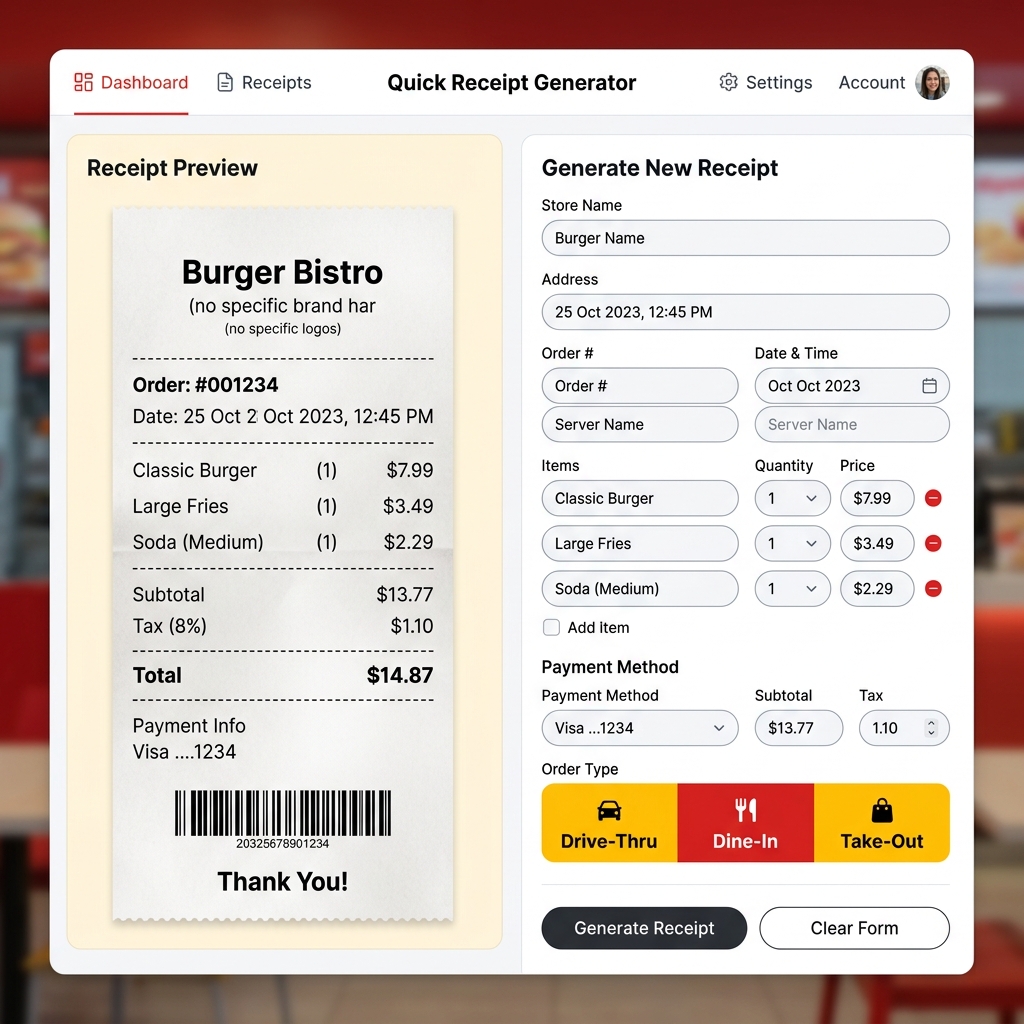
Free McDonald's Receipt Generator – Create Fast Food Receipts Online
Lost your McDonald's receipt? Generate a realistic McDonald's thermal receipt online for free. Drive-thru, dine-in, and takeout formats. Preview instantly, download in seconds.
 Receipt Guides
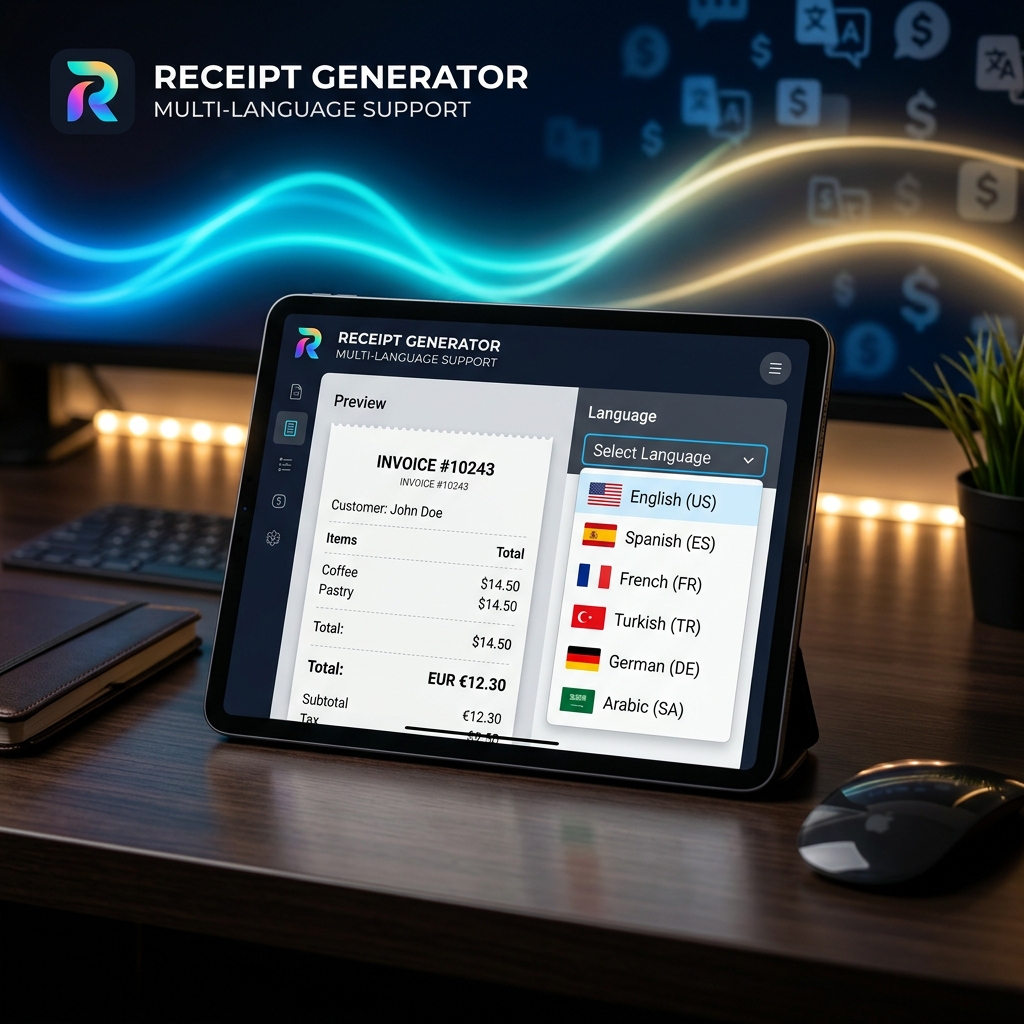
Multi-Language Receipt Generator: Create Receipts in 9 Languages
Need to generate receipts in different languages? Discover how our multi-language receipt generator makes it easy to support global customers and comply with international tax laws.
 Receipt Guides
How to Make Professional Business Receipts Online in 2026
Learn how to make professional business receipts online. Follow IRS compliance rules, discover essential itemized bookkeeping tips, and use our free receipt maker.
 Tech & Science
Why Do Thermal Receipts Fade? The Science & Chemical Solutions
Ever wonder why store receipts turn blank or black over time? We dive into the chemistry of bisphenol-A (BPA) coatings, heat activation, and why digital record-keeping is the ultimate solution.
 Business Tips
5 Essential Features of a Reliable Online Receipt Generator
Not all receipt makers are created equal. Discover the critical features you need—from auto-tax calculation to custom branding and PDF export capabilities.
 Business Tips
How to Use a Receipt Generator for Business Expense Reporting
A comprehensive guide on leveraging online receipt generators to track per diems, manage travel expenses, and streamline HR reporting.
 Tech & Science
How to Make a Fake Receipt Prop for Indie Films & Theater
Learn the secrets of prop masters. How to design, print, and distress realistic receipt props for your next film or theater production.
 Tax & Finance
Are Receipt Generators Legal? Legitimate Uses Explained
We explore the legal boundaries of using receipt makers. Learn the difference between legal bookkeeping replacements and tax fraud.
 Receipt Guides
Lost a Receipt? Here's How to Replace It for Returns and Bookkeeping
Step-by-step instructions on recovering lost transactions using bank statements and recreating them with receipt templates.
 Tech & Science
The Future of Digital Receipt Management for Small Businesses in 2026
Analyze the shift from thermal paper to digital invoices, cloud storage trends, and how AI is changing receipt categorization.
 Tax & Finance
How to Create an Itemized Receipt for Medical FSA/HSA Claims
Ensure your health expense claims are approved. A guide to generating proper itemized pharmacy and clinic receipts.
 Receipt Guides
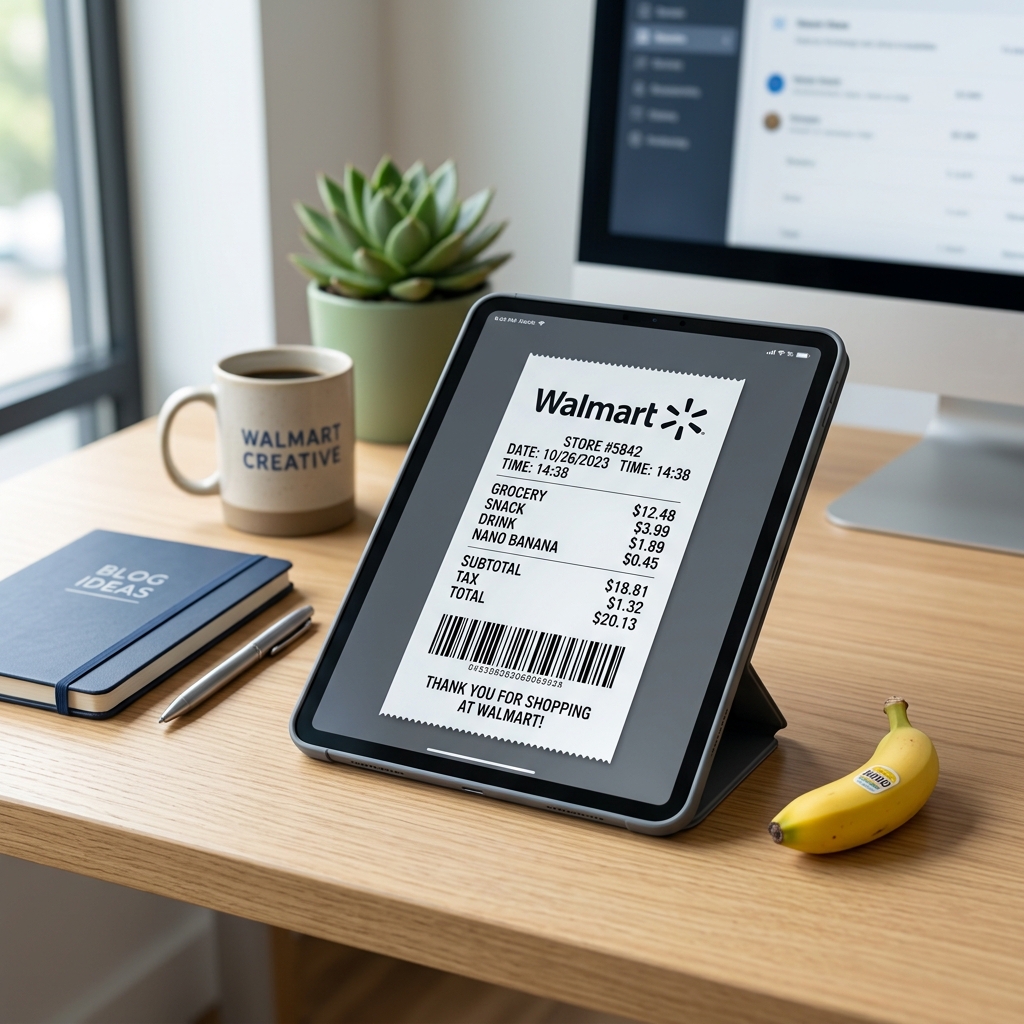
Free Walmart Receipt Generator – Get Your Lost Receipt in 60 Seconds
Lost your Walmart receipt? Learn how to recreate it in minutes using a free Walmart receipt generator. Step by step guide with tips for expense tracking and reimbursements.
 Receipt Guides
Free Uber Receipt Generator – Create Ride Receipts Online
Need an Uber receipt? Use our free Uber receipt generator to create realistic ride receipts instantly. Perfect for expense reports and reimbursements. No signup required.
 Receipt Guides
Free Starbucks Receipt Generator – Create Coffee Receipts Online
Generate a realistic Starbucks receipt online for free. Perfect for lost receipts, expense tracking, and mockups. Instant PDF / PNG download or share.
 Receipt Guides
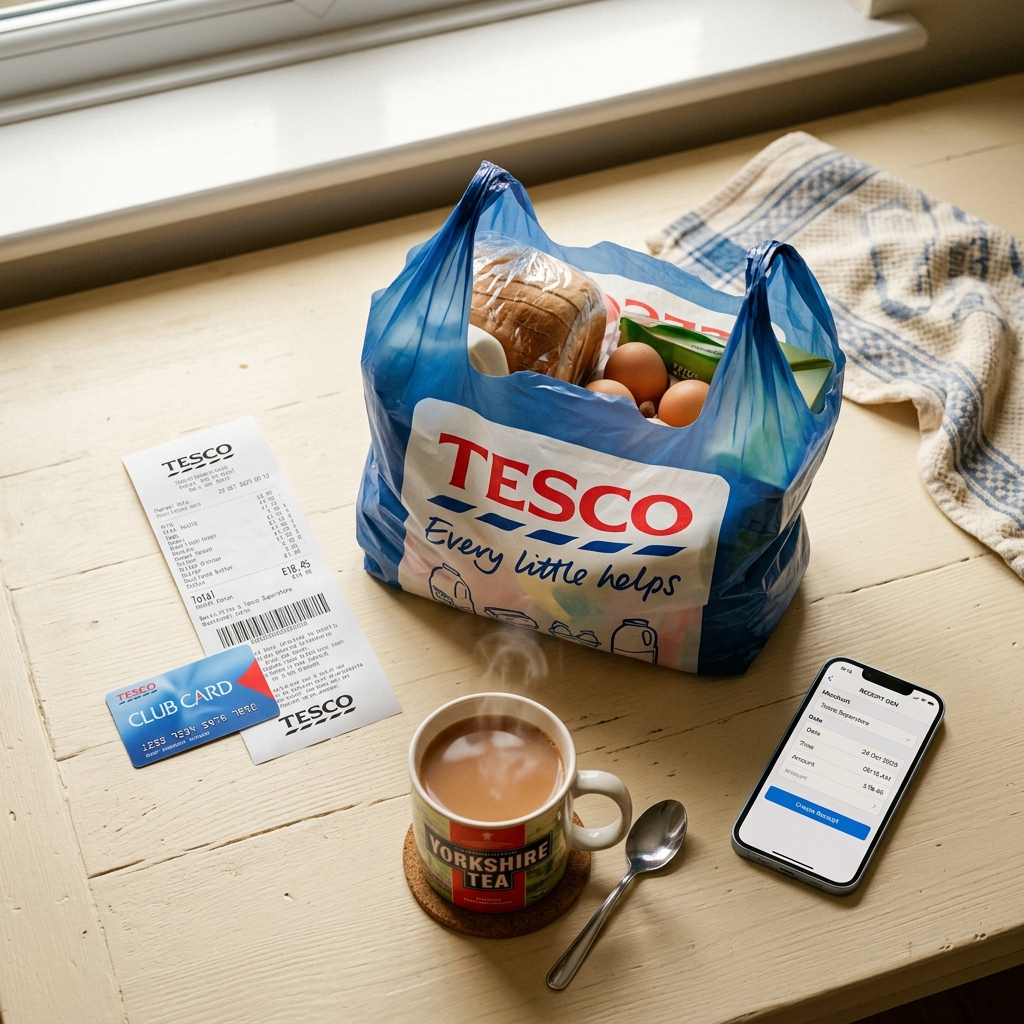
Free Tesco Receipt Generator – Create UK Grocery Receipts Online
Lost your Tesco receipt? Generate a realistic Tesco grocery receipt online for free. Includes Clubcard points, VAT breakdown, and HMRC-compliant formatting. Instant PDF download.
 Business Tips
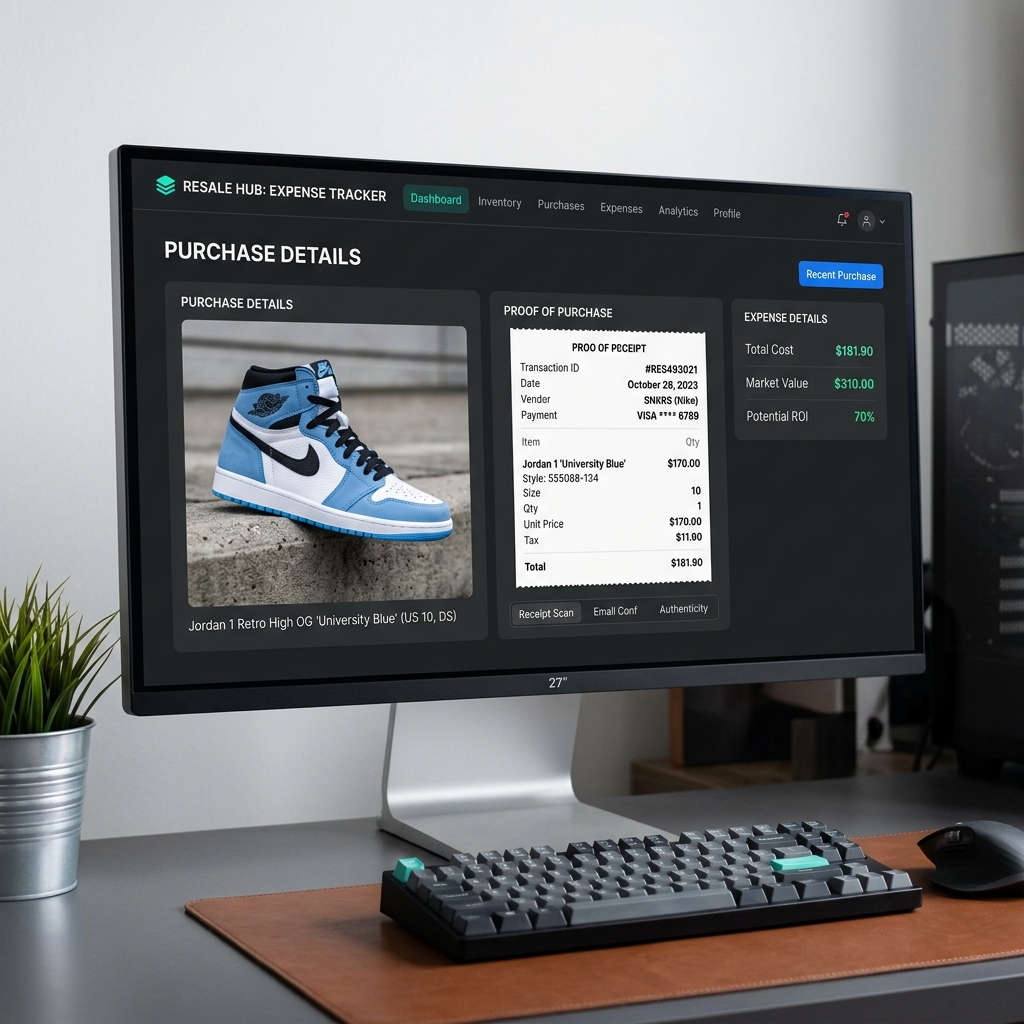
How to Recreate Lost Purchase Proof for High-End Reselling
Lost your retail receipt for sneakers, apparel, or high-value collectables? Learn how to generate clean proof of purchase replicas for reselling documentation and organization.
 Tax & Finance
Creating and Managing Bank & Money Transfer Confirmations
Need to generate bank or money transfer confirmations for your business records? Learn how to safely create clean transaction logs and invoices online.