
How to Create an Itemized Receipt for Medical FSA/HSA Claims
Ensure your health expense claims are approved. A guide to generating proper itemized pharmacy and clinic receipts.
Marcus Vance
Certified Public Accountant (CPA)
Flexible Spending Accounts (FSA) and Health Savings Accounts (HSA) require strict documentation. A simple credit card slip is rarely enough; you need a fully itemized receipt.
What to Include in Your Medical Receipt
Your generated receipt must include the provider’s name, patient’s name, date of service, description of the services or products, and the amount paid. Use our pharmacy templates to ensure compliance.
Why Insurance TPA Systems Require Detailed Itemization
Third-Party Administrators (TPAs) manage Flexible Spending Accounts and Health Savings Accounts under strict IRS guidelines. Because tax-advantaged funds are meant solely for eligible healthcare costs, TPAs must verify that every transaction qualifies. A credit card transaction slip only proves that a payment was made to a healthcare merchant, but it does not specify what was purchased. For example, a transaction slip from a pharmacy could cover eligible prescriptions or ineligible items like cosmetics or snacks. To confirm that the purchase aligns with tax-free eligibility, administrators require itemized documentation. Recreating faded or misplaced pharmacy documents using receiptsfaker.com provides a clear layout that TPAs can easily verify.
Recreating Legitimate Pharmacy and Medical Receipts
If you lose an itemized receipt for a medical expense, you should first contact your provider or pharmacy to request a copy from their records. If they cannot provide a duplicate, you can reconstruct the document using your insurance Explanation of Benefits (EOB) and bank statements. The recreated copy should match your actual medical transaction, listing the date of service, patient name, provider info, and specific treatments. Making sure all calculations are accurate is crucial for avoiding reimbursement delays. Relying on professional generators like receiptsfaker.com allows you to format your details into clean, structured medical layouts, making it much easier to document your expenses for the TPA.
Best Practices for Archiving Health Expense Documentation
Keeping an organized digital archive of your health receipts is essential for protecting your FSA or HSA tax benefits. You should create dedicated cloud folders for each benefit year, sorting your receipts by date and patient name. Naming your files consistently, such as YYYY-MM-DD_Provider_Amount.pdf, makes it simple to search and retrieve documents during reviews. Additionally, you should back up all receipts to prevent data loss in case of hardware failures. If a printed pharmacy receipt becomes faded and unreadable over time, you can recreate the layout to maintain a complete history. Rebuilding these files on receiptsfaker.com ensures your tax logs remain clean, legible, and ready for submission.
Understanding Eligible vs. Ineligible FSA and HSA Expenses
A common source of confusion for account holders is determining which medical expenses qualify for FSA or HSA reimbursement. The IRS publishes a detailed list of eligible expenses under Publication 502, which includes prescription drugs, dental care, vision care, and specific over-the-counter medicines. However, items such as vitamins, cosmetics, toiletries, and gym memberships are generally ineligible unless accompanied by a Letter of Medical Necessity from a licensed physician. Understanding these boundaries is critical before submitting claims, as the TPA will flag non-qualifying charges immediately. Your itemized receipt must clearly distinguish eligible from ineligible items to avoid delayed or rejected reimbursements. When recreating medical records on receiptsfaker.com, users can enter only the qualifying items at their correct prices, ensuring that each claim submission is clean, compliant, and straightforward.
Step-by-Step Process for Submitting an FSA Claim
Submitting a successful FSA or HSA claim follows a predictable sequence that every account holder should understand. First, obtain an itemized receipt or Explanation of Benefits (EOB) from your healthcare provider immediately after the appointment or prescription pickup. Second, log into your TPA's online portal and navigate to the claims submission section. Third, upload the itemized documentation along with a completed claim form specifying the expense type and account holder details. Fourth, wait for the TPA to review and approve the submission, which typically takes two to five business days. If you no longer have the original receipt, you can generate a clean formatted replacement on receiptsfaker.com using your EOB and bank records as the source data. Fifth, once approved, the reimbursement will be deposited into your designated bank account or loaded onto your FSA debit card.
Frequently Asked Questions
Why does my FSA administrator reject standard credit card receipt slips? FSA administrators reject standard credit card slips because they do not show the itemized breakdown of what was purchased. The IRS mandates that health funds only be spent on eligible medical services or over-the-counter products, which cannot be verified by a simple credit card charge. For example, a card charge at a drugstore could cover cosmetics or candy instead of prescription medicine. Providing a fully itemized receipt showing the specific items is required to prove eligibility. Utilizing receiptsfaker.com helps you generate documents containing all these necessary transaction fields.
What are the key details required for a medical receipt to be approved? For a medical receipt to be approved, it must clearly display the provider's name, the patient's name, the date of service, a detailed description of the products or services, and the total amount paid. It should also specify if the purchase was an eligible prescription or an over-the-counter medicine to satisfy IRS regulations. If any of these fields are missing, the claim will likely be rejected or delayed. Using receiptsfaker.com ensures your generated medical documents are structured with these compliance fields automatically.
Can I generate a pharmacy receipt on receiptsfaker.com for tax deductions? Yes, you can generate pharmacy receipts on receiptsfaker.com to replace lost or faded documents for your internal bookkeeping and tax records. Recreating these records is a legitimate way to document actual expenses that you incurred during the year. However, you must ensure that all details match your banking statements and actual purchases to comply with tax guidelines. Having clear, itemized files ready makes filing your deductions with your accountant or CPA much simpler.
How do I prove that an over-the-counter medicine was doctor-prescribed? To prove an over-the-counter product was doctor-prescribed, you will need to submit the physician's written prescription or letter of medical necessity along with the receipt. The prescription should list the specific medicine, the dosage, the patient's name, and the doctor's official signature. This additional documentation is required by the IRS to verify that the over-the-counter purchase qualifies for tax-free reimbursement. Storing these doctor notes alongside your generated receipts from receiptsfaker.com keeps your claim folders organized and compliant.
How long should I keep physical copies of my medical receipt logs? Generally, you should keep your physical and digital medical receipt logs for at least three to seven years from the date you filed your tax return. Since the IRS has the authority to audit tax filings within this period, keeping complete records is crucial for defending your deductions. Storing your files in secure cloud backup folders ensures they remain accessible throughout this time. Generating clean, legible PDFs on receiptsfaker.com makes long-term archiving straightforward and protects your records from thermal paper fading.
More Guides for You
Auto-scrolling · hover to pause
 Receipt Guides
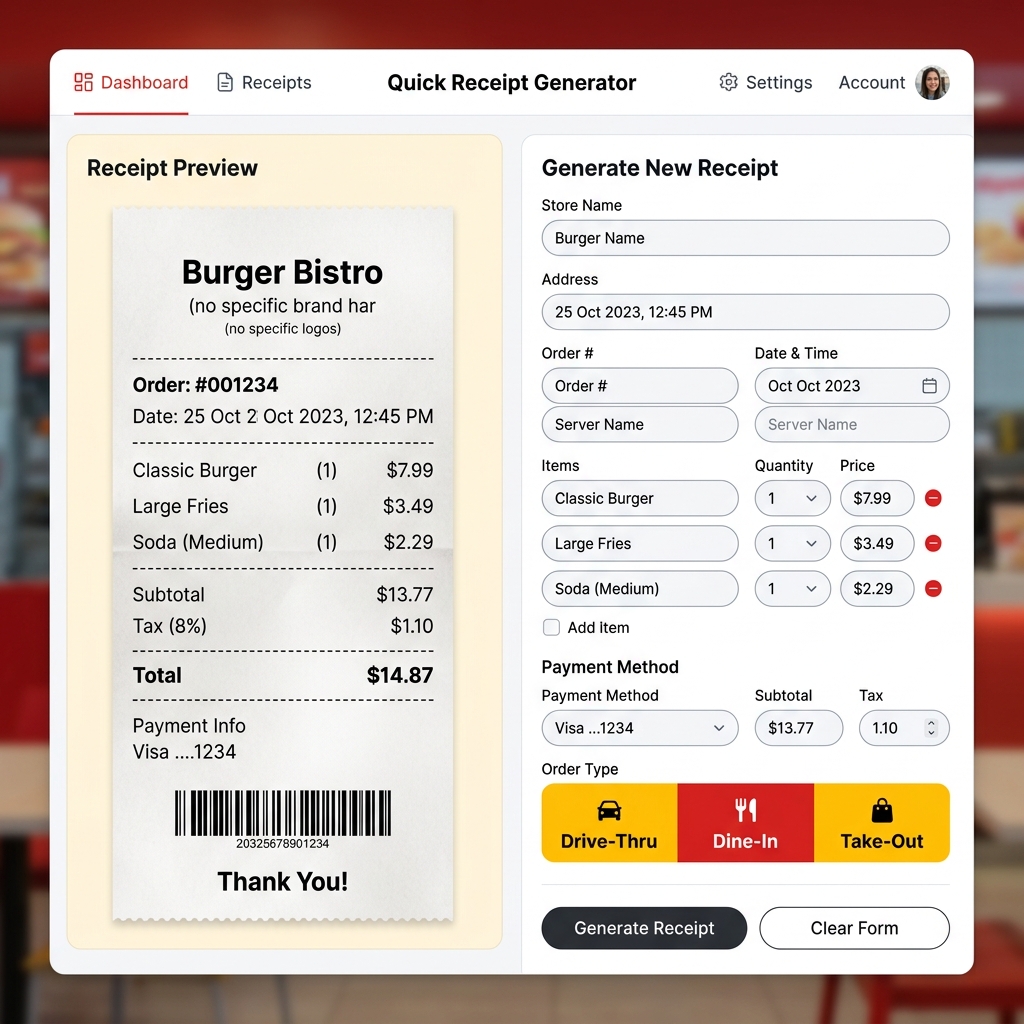
Free McDonald's Receipt Generator – Create Fast Food Receipts Online
Lost your McDonald's receipt? Generate a realistic McDonald's thermal receipt online for free. Drive-thru, dine-in, and takeout formats. Preview instantly, download in seconds.
 Receipt Guides
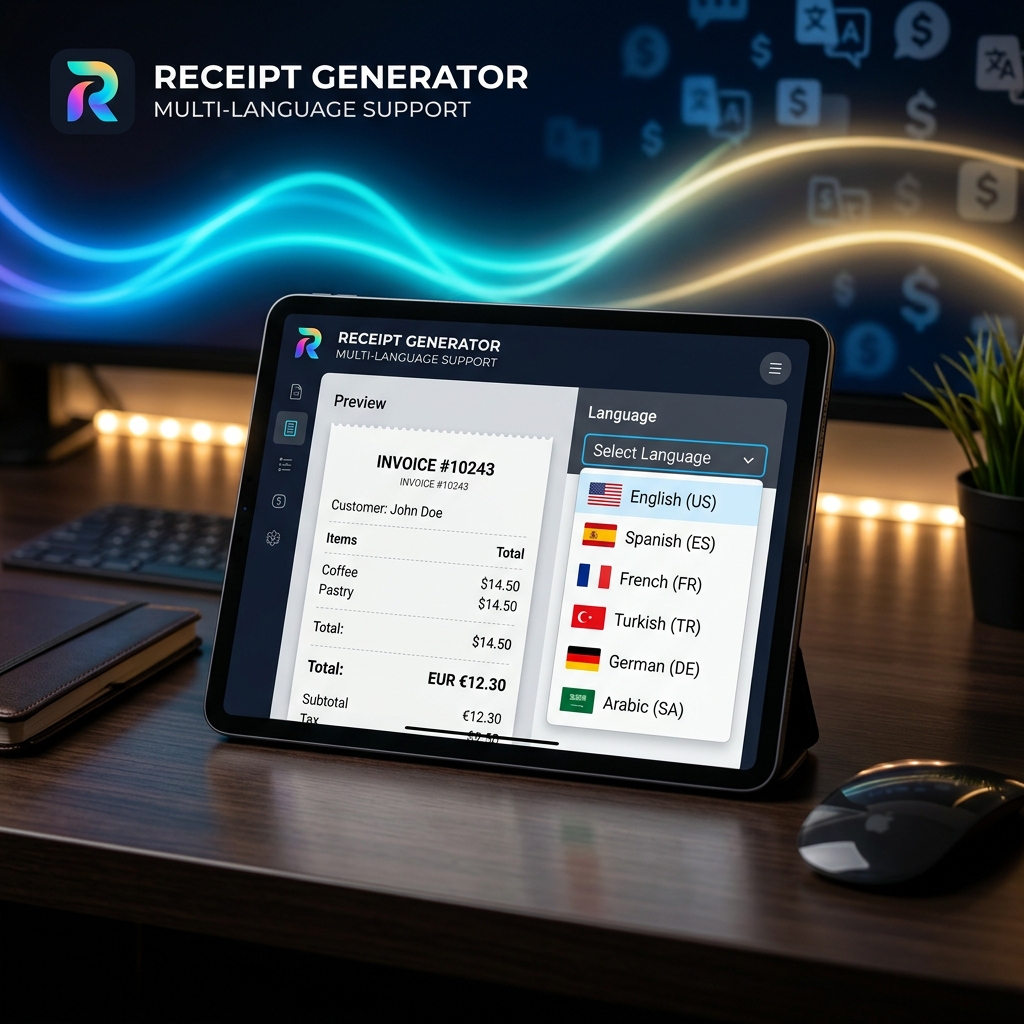
Multi-Language Receipt Generator: Create Receipts in 9 Languages
Need to generate receipts in different languages? Discover how our multi-language receipt generator makes it easy to support global customers and comply with international tax laws.
 Receipt Guides
How to Make Professional Business Receipts Online in 2026
Learn how to make professional business receipts online. Follow IRS compliance rules, discover essential itemized bookkeeping tips, and use our free receipt maker.
 Tax & Finance
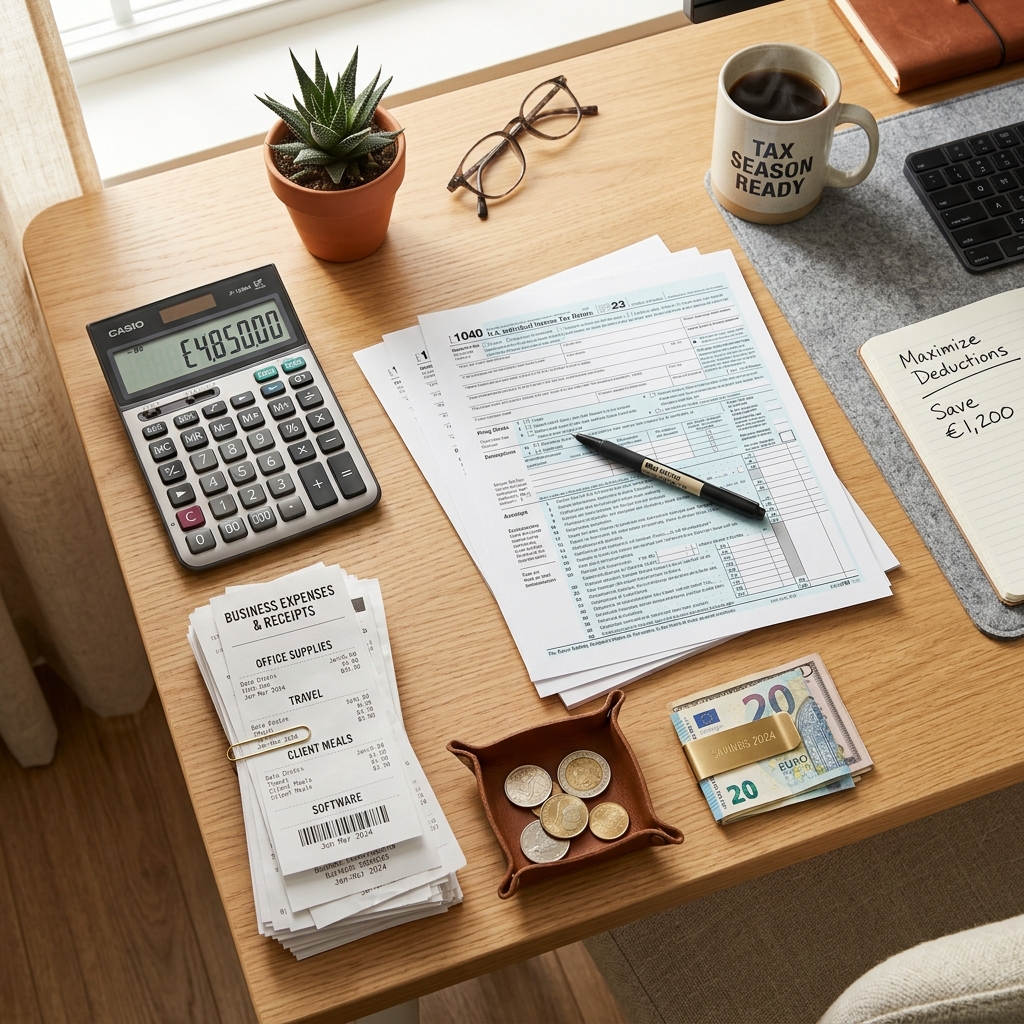
Tax Season Simplified: Maximizing Deductions with Organized Receipts
Stop losing money! Learn how freelancers, contractors, and small business owners can systematically organize receipts to satisfy audits and maximize tax write-offs.
 Tech & Science
Why Do Thermal Receipts Fade? The Science & Chemical Solutions
Ever wonder why store receipts turn blank or black over time? We dive into the chemistry of bisphenol-A (BPA) coatings, heat activation, and why digital record-keeping is the ultimate solution.
 Business Tips
5 Essential Features of a Reliable Online Receipt Generator
Not all receipt makers are created equal. Discover the critical features you need—from auto-tax calculation to custom branding and PDF export capabilities.
 Business Tips
How to Use a Receipt Generator for Business Expense Reporting
A comprehensive guide on leveraging online receipt generators to track per diems, manage travel expenses, and streamline HR reporting.
 Tech & Science
How to Make a Fake Receipt Prop for Indie Films & Theater
Learn the secrets of prop masters. How to design, print, and distress realistic receipt props for your next film or theater production.
 Tax & Finance
Are Receipt Generators Legal? Legitimate Uses Explained
We explore the legal boundaries of using receipt makers. Learn the difference between legal bookkeeping replacements and tax fraud.
 Receipt Guides
Lost a Receipt? Here's How to Replace It for Returns and Bookkeeping
Step-by-step instructions on recovering lost transactions using bank statements and recreating them with receipt templates.
 Tech & Science
The Future of Digital Receipt Management for Small Businesses in 2026
Analyze the shift from thermal paper to digital invoices, cloud storage trends, and how AI is changing receipt categorization.
 Receipt Guides
Free Walmart Receipt Generator – Get Your Lost Receipt in 60 Seconds
Lost your Walmart receipt? Learn how to recreate it in minutes using a free Walmart receipt generator. Step by step guide with tips for expense tracking and reimbursements.
 Receipt Guides
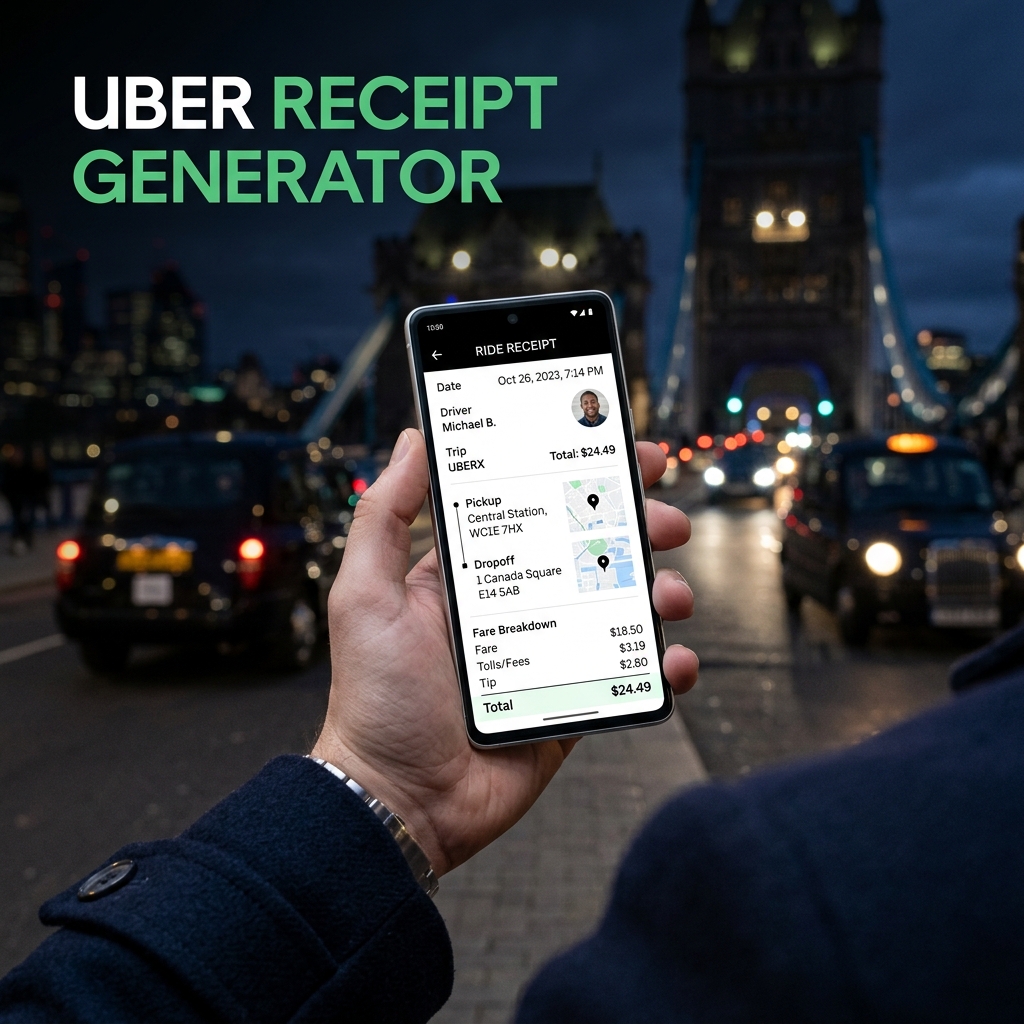
Free Uber Receipt Generator – Create Ride Receipts Online
Need an Uber receipt? Use our free Uber receipt generator to create realistic ride receipts instantly. Perfect for expense reports and reimbursements. No signup required.
 Receipt Guides
Free Starbucks Receipt Generator – Create Coffee Receipts Online
Generate a realistic Starbucks receipt online for free. Perfect for lost receipts, expense tracking, and mockups. Instant PDF / PNG download or share.
 Receipt Guides
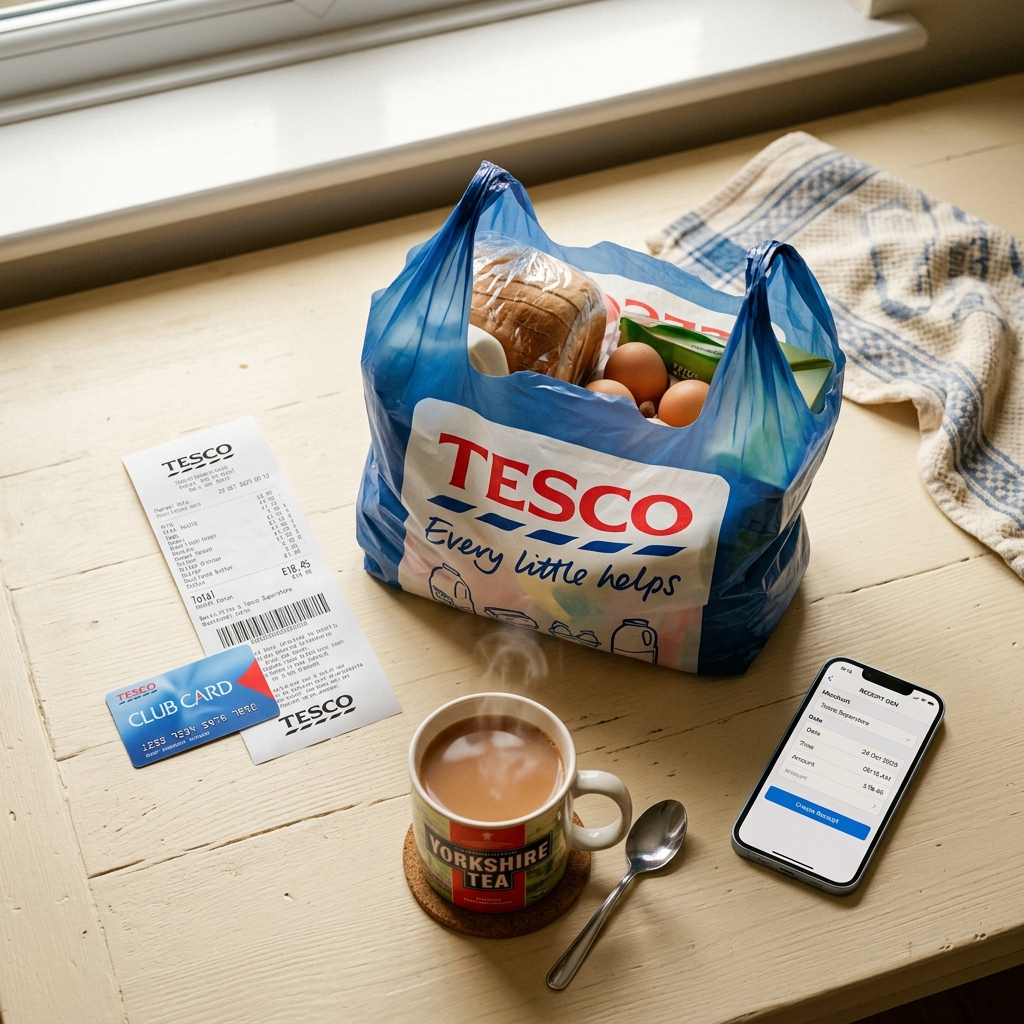
Free Tesco Receipt Generator – Create UK Grocery Receipts Online
Lost your Tesco receipt? Generate a realistic Tesco grocery receipt online for free. Includes Clubcard points, VAT breakdown, and HMRC-compliant formatting. Instant PDF download.
 Business Tips
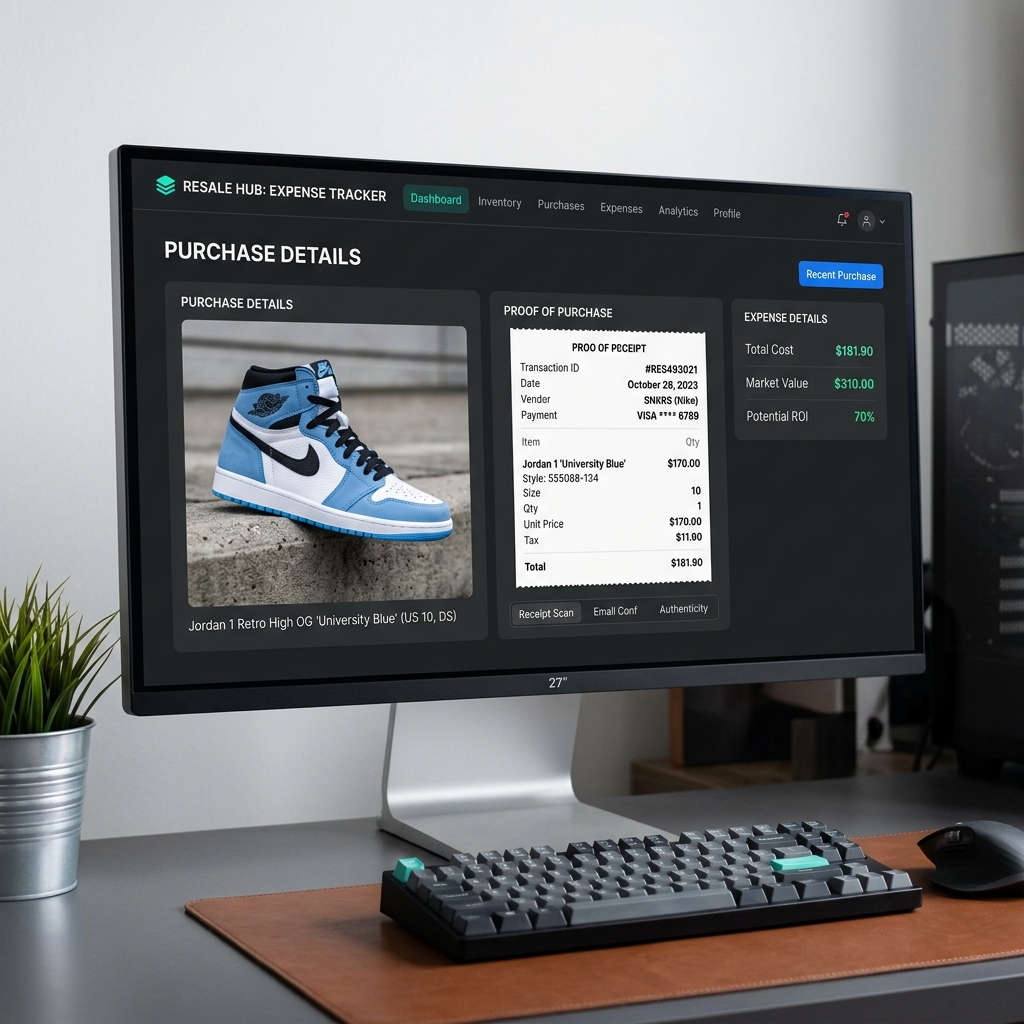
How to Recreate Lost Purchase Proof for High-End Reselling
Lost your retail receipt for sneakers, apparel, or high-value collectables? Learn how to generate clean proof of purchase replicas for reselling documentation and organization.
 Tax & Finance
Creating and Managing Bank & Money Transfer Confirmations
Need to generate bank or money transfer confirmations for your business records? Learn how to safely create clean transaction logs and invoices online.