
Lost a Receipt? Here's How to Replace It for Returns and Bookkeeping
Step-by-step instructions on recovering lost transactions using bank statements and recreating them with receipt templates.
Sofia Ross
International Business Consultant
Losing a receipt can be incredibly frustrating, especially if you need to return an item or submit an expense report. Fortunately, there are ways to recover the transaction details.
Recovering Details via Bank Statements
Your bank statement is your best friend when a receipt is lost. It provides the exact date, merchant, and total amount, which you can use to generate a replacement receipt.
Reaching Out to the Merchant for Transaction Lookup
Before attempting to recreate any document, it is highly recommended to contact the merchant where the purchase was made. Major retailers maintain robust databases of their point of sale transactions and can look up sales using your payment card digits. If you belong to their customer loyalty program, the receipt is likely stored in your digital account profile automatically. For smaller shops, calling customer service or visiting the store manager with your bank statement transaction ID can yield a printed copy of the invoice. Reaching out directly saves time and ensures you have the official record. When a merchant lookup is unavailable, utilizing receiptsfaker.com is the next best solution for recreating an itemized PDF.
Recreating Legitimate Documents for Expense Reconciliation
When a merchant copy cannot be retrieved, you can recreate a clean digital document using your bank statements as a guide. This process requires collecting all available details of the transaction, such as the exact time, subtotal, and tax amount. Reconstructing this layout bridges the gap in your bookkeeping, ensuring that your accounts remain reconciled for auditing purposes. You must make sure that all items and prices match the original transaction to avoid compliance issues. Recreating faded documents in a clean digital format is a standard best practice for modern freelancers and small business owners. Relying on professional generators like receiptsfaker.com lets you draft realistic layouts that match industry formatting perfectly.
Using Recreated Records for Returns and Warranty Claims
Using a recreated document for returns or warranty claims requires understanding retailer and manufacturer policies. Most companies require an itemized proof of purchase to verify that you bought the product from an authorized reseller. While some stores accept bank statements as proof, others mandate a structured receipt layout. If you must present a reconstructed copy, ensure that all details match the purchase records exactly. Be completely transparent with the support staff that the document is a replica generated to replace a lost or faded original. Rebuilding these records on receiptsfaker.com provides you with a clean, formatted document that helps clarify transaction details during customer service discussions.
Organizing Your Replacement Records for Tax Season
Once you have recreated your lost or faded receipts, organization becomes the next priority. Tax professionals recommend maintaining a separate digital folder for each fiscal year, with subfolders organized by expense category such as travel, meals, office supplies, and utilities. Naming each reconstructed file consistently — for example, YYYY-MM-DD_Merchant_Amount.pdf — makes it significantly easier to retrieve specific records when answering auditor queries. Alongside each generated file, keep a brief note explaining the circumstances of the replacement, such as "original thermal receipt faded, recreated from Chase Visa statement dated March 15." This transparency demonstrates good-faith administrative practices. Using receiptsfaker.com to generate all your replacement documents within a single platform ensures your files are uniformly formatted and easy to navigate throughout the year.
Preventing Future Receipt Loss
The most effective solution to lost receipts is building habits that prevent the problem in the first place. Many business owners photograph every receipt immediately after a transaction, uploading it directly to a cloud folder like Google Drive or Dropbox. Expense tracking apps such as Expensify, Zoho Expense, and Wave allow you to snap a photo at checkout and automatically extract data via OCR. If you prefer a simpler approach, even a shared Gmail label for expense-related email confirmations creates a searchable archive. However, for cases where digital capture was not possible, having a reliable tool like receiptsfaker.com on standby ensures that missing documents can be reconstructed accurately and professionally at any time.
Frequently Asked Questions
Can a retailer reject a return if I only have a generated receipt from receiptsfaker.com? Yes, retailers have the right to reject returns if they suspect that the presented document does not match their internal POS logs. Many major chains verify receipt codes at checkout to confirm that the items were sold at that specific location. If the barcodes or transaction numbers do not match their system, they will disallow the return. Recreated receipts should primarily be used for personal record-keeping, and you should always ask the store customer service desk to search your transaction by payment card first.
What details do I need from my bank statement to recreate a lost receipt? To recreate a lost receipt, you will need the exact transaction date, the merchant's name, and the final payment amount from your statement. You should also check the location of the transaction to calculate the correct local sales tax rate for the subtotal. If possible, note down the approximate time of the purchase to ensure the details are as accurate as possible. Entering this information on receiptsfaker.com helps generate a mathematically consistent and professional-looking document.
Is it possible to recover receipts using credit card loyalty programs? Yes, many credit card issuers and loyalty programs track your transaction histories in detail and store digital receipts for major retail partners. Checking your card's online rewards portal or mobile app can often reveal itemized invoices for past purchases. Additionally, linking your card to digital wallet apps often saves proof of purchase automatically. If you cannot find the record in your account, using receiptsfaker.com allows you to compile the statement details into a standard file.
How do I handle warranty claims if the original proof of purchase has faded? When filing a warranty claim with a faded receipt, take a clear photo of the faded slip next to your bank statement showing the charge. If the manufacturer requires a legible itemized layout, you can generate a clean replica matching the original purchase details. It is important to submit the faded original along with the digital replica to explain the situation transparently. Using receiptsfaker.com to generate a formatted PDF provides manufacturers with a readable reference, helping speed up the warranty review process.
How can receiptsfaker.com assist in standardizing my personal tax filing archive? Receiptsfaker.com assists by allowing you to convert mismatched and faded receipts into a clean, uniform PDF format. Instead of archiving a messy pile of scanned papers, you can generate structured digital records that are easy to search and organize. This uniformity makes it much simpler to categorize your annual expenses and share them with your accountant or CPA. By maintaining complete and legible files, you protect your business deductions and reduce administrative stress during tax season.
More Guides for You
Auto-scrolling · hover to pause
 Receipt Guides
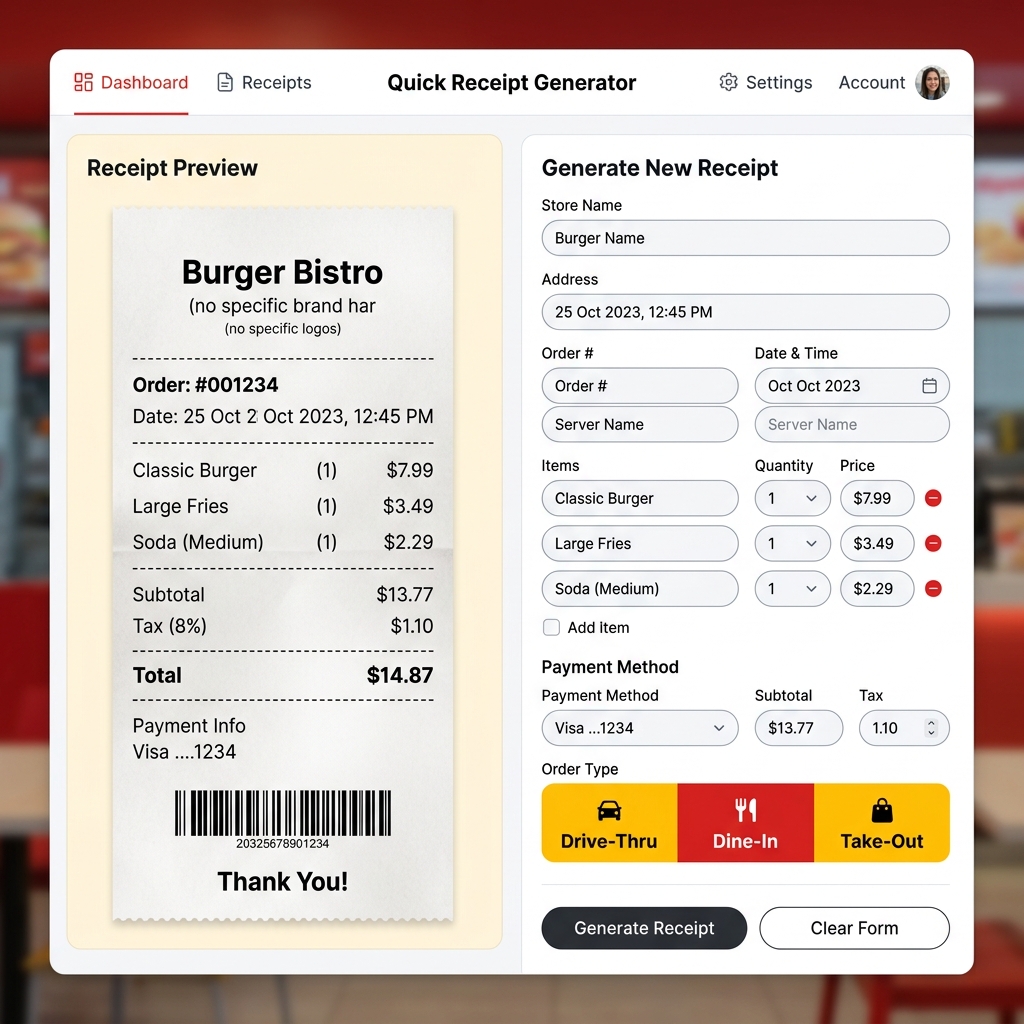
Free McDonald's Receipt Generator – Create Fast Food Receipts Online
Lost your McDonald's receipt? Generate a realistic McDonald's thermal receipt online for free. Drive-thru, dine-in, and takeout formats. Preview instantly, download in seconds.
 Receipt Guides
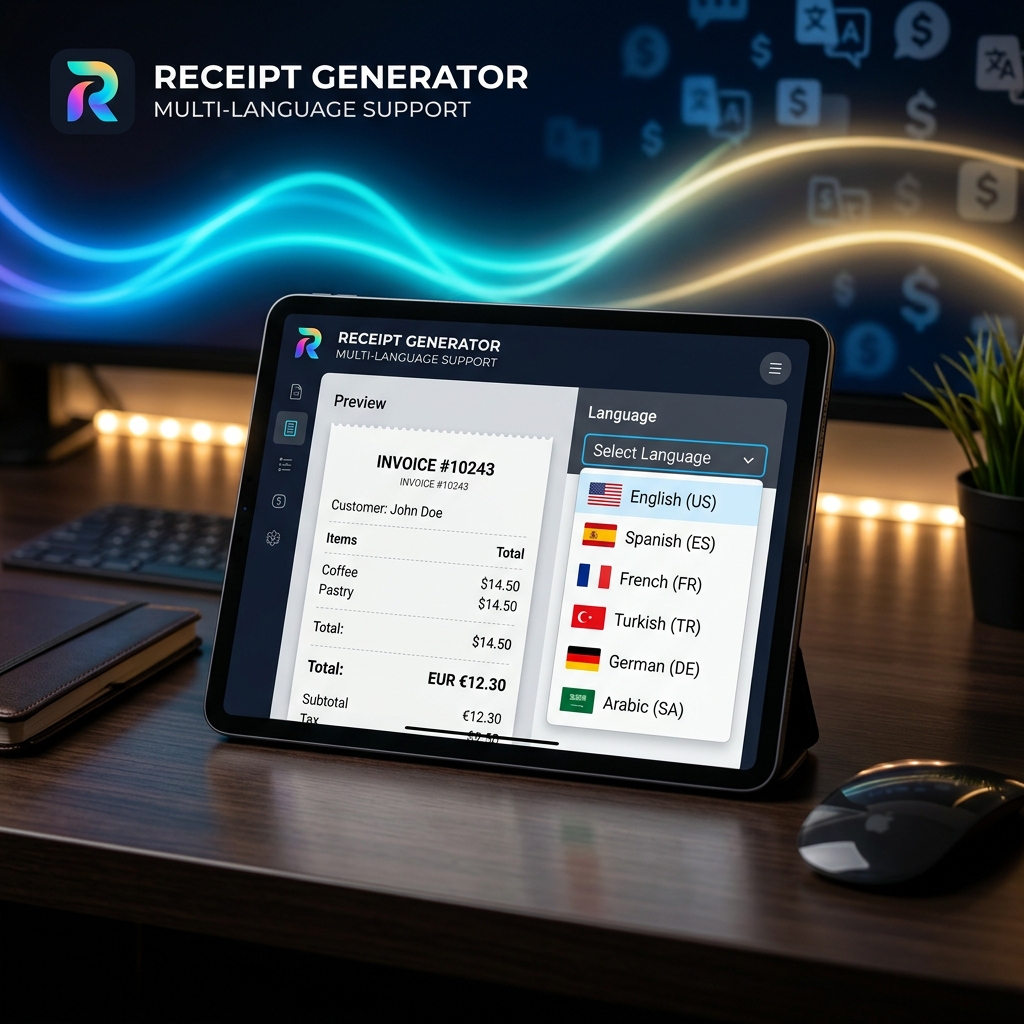
Multi-Language Receipt Generator: Create Receipts in 9 Languages
Need to generate receipts in different languages? Discover how our multi-language receipt generator makes it easy to support global customers and comply with international tax laws.
 Receipt Guides
How to Make Professional Business Receipts Online in 2026
Learn how to make professional business receipts online. Follow IRS compliance rules, discover essential itemized bookkeeping tips, and use our free receipt maker.
 Tax & Finance
Tax Season Simplified: Maximizing Deductions with Organized Receipts
Stop losing money! Learn how freelancers, contractors, and small business owners can systematically organize receipts to satisfy audits and maximize tax write-offs.
 Tech & Science
Why Do Thermal Receipts Fade? The Science & Chemical Solutions
Ever wonder why store receipts turn blank or black over time? We dive into the chemistry of bisphenol-A (BPA) coatings, heat activation, and why digital record-keeping is the ultimate solution.
 Business Tips
5 Essential Features of a Reliable Online Receipt Generator
Not all receipt makers are created equal. Discover the critical features you need—from auto-tax calculation to custom branding and PDF export capabilities.
 Business Tips
How to Use a Receipt Generator for Business Expense Reporting
A comprehensive guide on leveraging online receipt generators to track per diems, manage travel expenses, and streamline HR reporting.
 Tech & Science
How to Make a Fake Receipt Prop for Indie Films & Theater
Learn the secrets of prop masters. How to design, print, and distress realistic receipt props for your next film or theater production.
 Tax & Finance
Are Receipt Generators Legal? Legitimate Uses Explained
We explore the legal boundaries of using receipt makers. Learn the difference between legal bookkeeping replacements and tax fraud.
 Tech & Science
The Future of Digital Receipt Management for Small Businesses in 2026
Analyze the shift from thermal paper to digital invoices, cloud storage trends, and how AI is changing receipt categorization.
 Tax & Finance
How to Create an Itemized Receipt for Medical FSA/HSA Claims
Ensure your health expense claims are approved. A guide to generating proper itemized pharmacy and clinic receipts.
 Receipt Guides
Free Walmart Receipt Generator – Get Your Lost Receipt in 60 Seconds
Lost your Walmart receipt? Learn how to recreate it in minutes using a free Walmart receipt generator. Step by step guide with tips for expense tracking and reimbursements.
 Receipt Guides
Free Uber Receipt Generator – Create Ride Receipts Online
Need an Uber receipt? Use our free Uber receipt generator to create realistic ride receipts instantly. Perfect for expense reports and reimbursements. No signup required.
 Receipt Guides
Free Starbucks Receipt Generator – Create Coffee Receipts Online
Generate a realistic Starbucks receipt online for free. Perfect for lost receipts, expense tracking, and mockups. Instant PDF / PNG download or share.
 Receipt Guides
Free Tesco Receipt Generator – Create UK Grocery Receipts Online
Lost your Tesco receipt? Generate a realistic Tesco grocery receipt online for free. Includes Clubcard points, VAT breakdown, and HMRC-compliant formatting. Instant PDF download.
 Business Tips
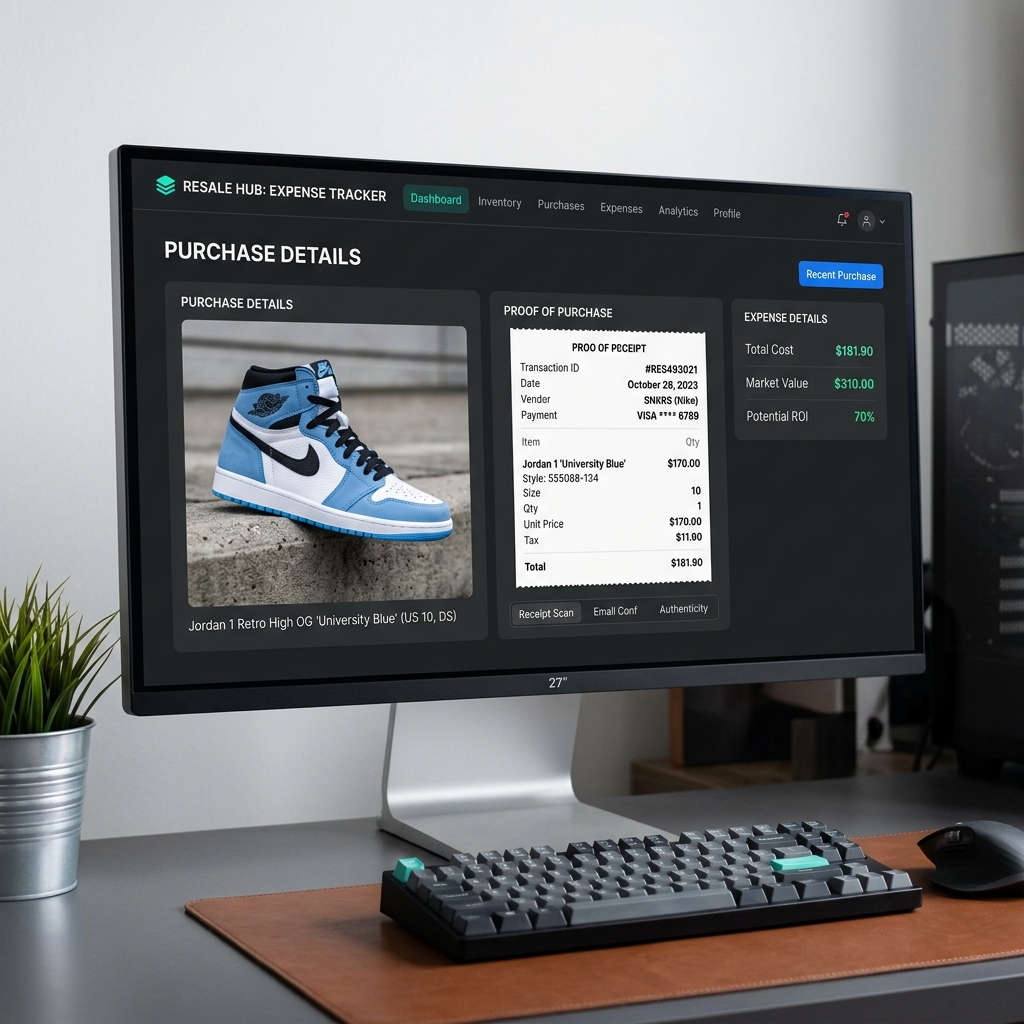
How to Recreate Lost Purchase Proof for High-End Reselling
Lost your retail receipt for sneakers, apparel, or high-value collectables? Learn how to generate clean proof of purchase replicas for reselling documentation and organization.
 Tax & Finance
Creating and Managing Bank & Money Transfer Confirmations
Need to generate bank or money transfer confirmations for your business records? Learn how to safely create clean transaction logs and invoices online.