
How to Use a Receipt Generator for Business Expense Reporting
A comprehensive guide on leveraging online receipt generators to track per diems, manage travel expenses, and streamline HR reporting.
Sarah Jenkins
Business Operations Specialist
Managing business expenses is a crucial part of running a successful company. Using an online receipt generator can help streamline your HR reporting, track per diems, and manage travel expenses efficiently.
Streamline Your HR Reporting
A good receipt maker ensures that your employees can always provide accurate documentation for their expenses, even if they lose the original physical receipt.
Managing Per Diems and Travel Reimbursements
Business travel frequently involves a multitude of small, essential expenses, such as taxi rides, meals with clients, parking fees, and emergency office supplies. While individual costs may seem minor, they quickly accumulate into significant sums over the course of a fiscal quarter. Unfortunately, traveling employees are highly prone to misplacing physical thermal receipts while on the move. When receipts go missing, it disrupts the corporate reimbursement workflow and can lead to out-of-pocket losses for staff. By utilizing a reliable online receipt builder, employees can quickly regenerate lost documentation using their credit card logs. Tools like receiptsfaker.com offer custom templates specifically designed for travel and transit, ensuring that reimbursement submissions remain accurate, complete, and prompt. This ensures that no employee is left paying for business-related travel out of their own pocket, keeping morale and productivity high.
Standardizing Expense Report Formats
HR departments and corporate accountants spend considerable time reviewing a disorganized mix of receipts in various formats, sizes, and languages. This lack of uniformity slows down internal audits and increases the risk of accounting errors. Implementing a standardized digital receipt generation protocol helps streamline the review process. When workers utilize a consistent platform to document their expenses, the accounting team can easily locate key figures like subtotals, tax rates, and merchant info. Using a professional service like receiptsfaker.com ensures that all submitted PDFs maintain a clean, uniform, and easily readable layout. This formatting consistency improves processing times, reduces human error, and minimizes administrative overhead. In addition, digital formatting makes the transition to automated expense tracking software smooth and hassle-free.
Corporate Accountability and Audit-Proofing Records
Maintaining complete transparency in business expense reporting is vital for regulatory compliance and corporate governance. Incomplete records or missing transaction logs can raise red flags during external audits, leading to severe compliance penalties. Recreating misplaced or illegible documents using verifiable bank statements is a key step in keeping your files complete. This practice bridges the gap between bank logs and itemized receipts, ensuring every transaction is fully documented. When rebuilding lost receipts, it is essential to input accurate merchant data, correct date-time stamps, and precise itemized breakdowns. Generating high-resolution digital copies through receiptsfaker.com ensures your corporate logs remain complete, organized, and prepared for audits. This proactive approach protects your business from penalties and ensures smooth operating procedures.
Best Practices for Enterprise Expense Auditing
For larger enterprises, audit-proofing requires establishing strict policies regarding document submission and verification. Internal auditors should routinely cross-reference a random sample of digital receipts with bank statements and corporate credit cards. If there is a mismatch, the expense should be flagged for manual review immediately. It is also recommended to mandate the use of itemized layouts for any transactions exceeding a specific threshold. Standardizing on digital documents ensures that records remain legible and searchable throughout the mandatory retention period. Platforms like receiptsfaker.com allow administrative teams to quickly check layout consistency and recreate any unreadable receipts. This level of diligence protects the enterprise from internal discrepancies and ensures complete compliance with global tax standards.
Frequently Asked Questions
How does using receiptsfaker.com speed up business expense filing? Receiptsfaker.com speeds up the expense filing process by allowing employees to instantly recreate lost receipts using their credit card or bank statements. Instead of waiting for merchants to mail physical copies, users can select a matching template, input the details, and download a clean PDF in seconds. This ensures that expense reports are submitted before deadlines without delaying reimbursements. Additionally, the clean and uniform layouts are easier for HR teams to verify, reducing the need for back-and-forth corrections. It also helps businesses close their monthly financial books on time.
What details are required in a standard corporate travel receipt? A corporate travel receipt must include the merchant's business name, date of service, description of the specific service (like a ride or meal), and the total amount paid. It should also show the payment method used, such as a corporate credit card ending in specific digits, to match internal banking records. If local taxes or tolls were applied, these must be listed as separate line items for tax compliance. Using receiptsfaker.com ensures that all these essential travel fields are structured correctly. This level of detail satisfies both company policies and external government tax audits.
Can independent contractors use generated receipts for their clients? Yes, independent contractors and freelancers frequently use generated receipts to provide clients with clean, professional proof of purchase for reimbursable project expenses. Since contractors do not always have access to corporate POS systems, a digital receipt maker is an excellent tool for invoicing. This ensures that clients receive clear, itemized documentation along with the project invoice, establishing trust and accelerating payment. Recreating these records on receiptsfaker.com is a standard professional practice for independent businesses. It elevates their brand image and demonstrates operational maturity.
How do I match receipt totals with corporate credit card statements? To match receipt totals, cross-reference the transaction date and final amount on your corporate credit card log with the details entered into the receipt generator. You should ensure that any local sales tax or tip is included in the receipt's subtotal calculations to match the exact card charge. This matching process is crucial for preventing accounting discrepancies and streamlining corporate reconciliation. Using receiptsfaker.com makes this easy by auto-calculating totals based on your input values. It ensures your monthly statements reconcile down to the exact cent.
Does receiptsfaker.com offer bulk receipt creation features? Yes, the platform is designed to handle multiple receipt generations efficiently, allowing business owners to draft several documents in a single session. Users can quickly swap templates, adjust transaction dates, and update item details without having to configure settings from scratch. This is highly beneficial during end-of-month reconciliation when multiple receipts need to be compiled for expense reports. By simplifying the creation workflow, receiptsfaker.com saves valuable time for busy administrative staff. It is an indispensable tool for growing operations departments.
More Guides for You
Auto-scrolling · hover to pause
 Receipt Guides
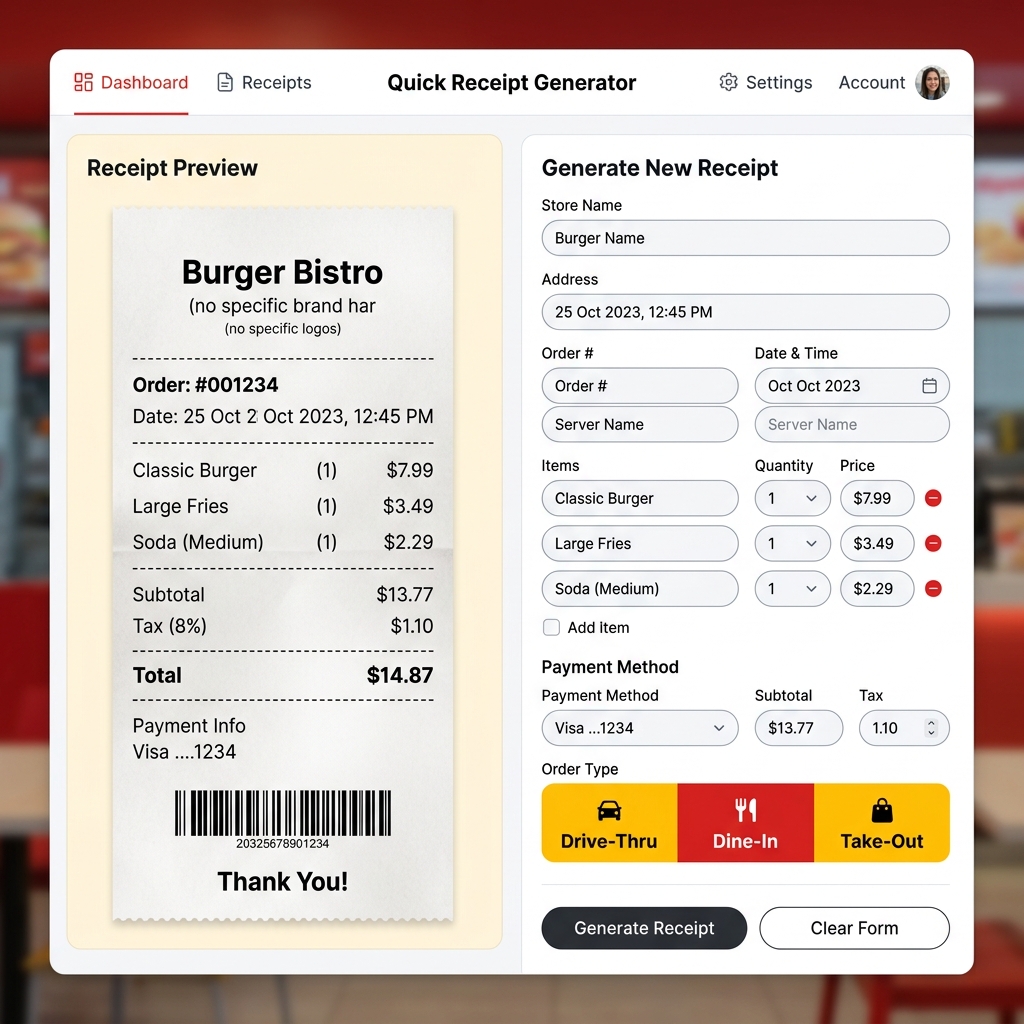
Free McDonald's Receipt Generator – Create Fast Food Receipts Online
Lost your McDonald's receipt? Generate a realistic McDonald's thermal receipt online for free. Drive-thru, dine-in, and takeout formats. Preview instantly, download in seconds.
 Receipt Guides
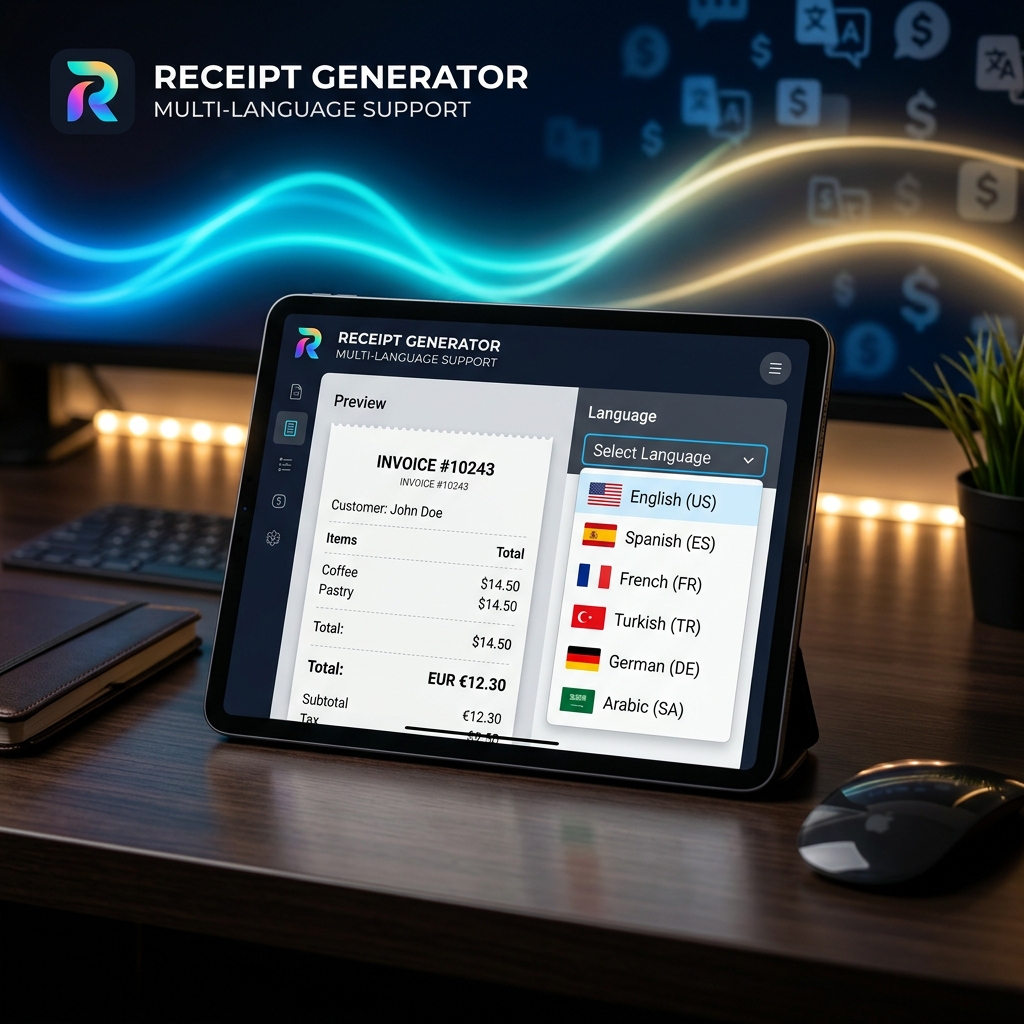
Multi-Language Receipt Generator: Create Receipts in 9 Languages
Need to generate receipts in different languages? Discover how our multi-language receipt generator makes it easy to support global customers and comply with international tax laws.
 Receipt Guides
How to Make Professional Business Receipts Online in 2026
Learn how to make professional business receipts online. Follow IRS compliance rules, discover essential itemized bookkeeping tips, and use our free receipt maker.
 Tax & Finance
Tax Season Simplified: Maximizing Deductions with Organized Receipts
Stop losing money! Learn how freelancers, contractors, and small business owners can systematically organize receipts to satisfy audits and maximize tax write-offs.
 Tech & Science
Why Do Thermal Receipts Fade? The Science & Chemical Solutions
Ever wonder why store receipts turn blank or black over time? We dive into the chemistry of bisphenol-A (BPA) coatings, heat activation, and why digital record-keeping is the ultimate solution.
 Business Tips
5 Essential Features of a Reliable Online Receipt Generator
Not all receipt makers are created equal. Discover the critical features you need—from auto-tax calculation to custom branding and PDF export capabilities.
 Tech & Science
How to Make a Fake Receipt Prop for Indie Films & Theater
Learn the secrets of prop masters. How to design, print, and distress realistic receipt props for your next film or theater production.
 Tax & Finance
Are Receipt Generators Legal? Legitimate Uses Explained
We explore the legal boundaries of using receipt makers. Learn the difference between legal bookkeeping replacements and tax fraud.
 Receipt Guides
Lost a Receipt? Here's How to Replace It for Returns and Bookkeeping
Step-by-step instructions on recovering lost transactions using bank statements and recreating them with receipt templates.
 Tech & Science
The Future of Digital Receipt Management for Small Businesses in 2026
Analyze the shift from thermal paper to digital invoices, cloud storage trends, and how AI is changing receipt categorization.
 Tax & Finance
How to Create an Itemized Receipt for Medical FSA/HSA Claims
Ensure your health expense claims are approved. A guide to generating proper itemized pharmacy and clinic receipts.
 Receipt Guides
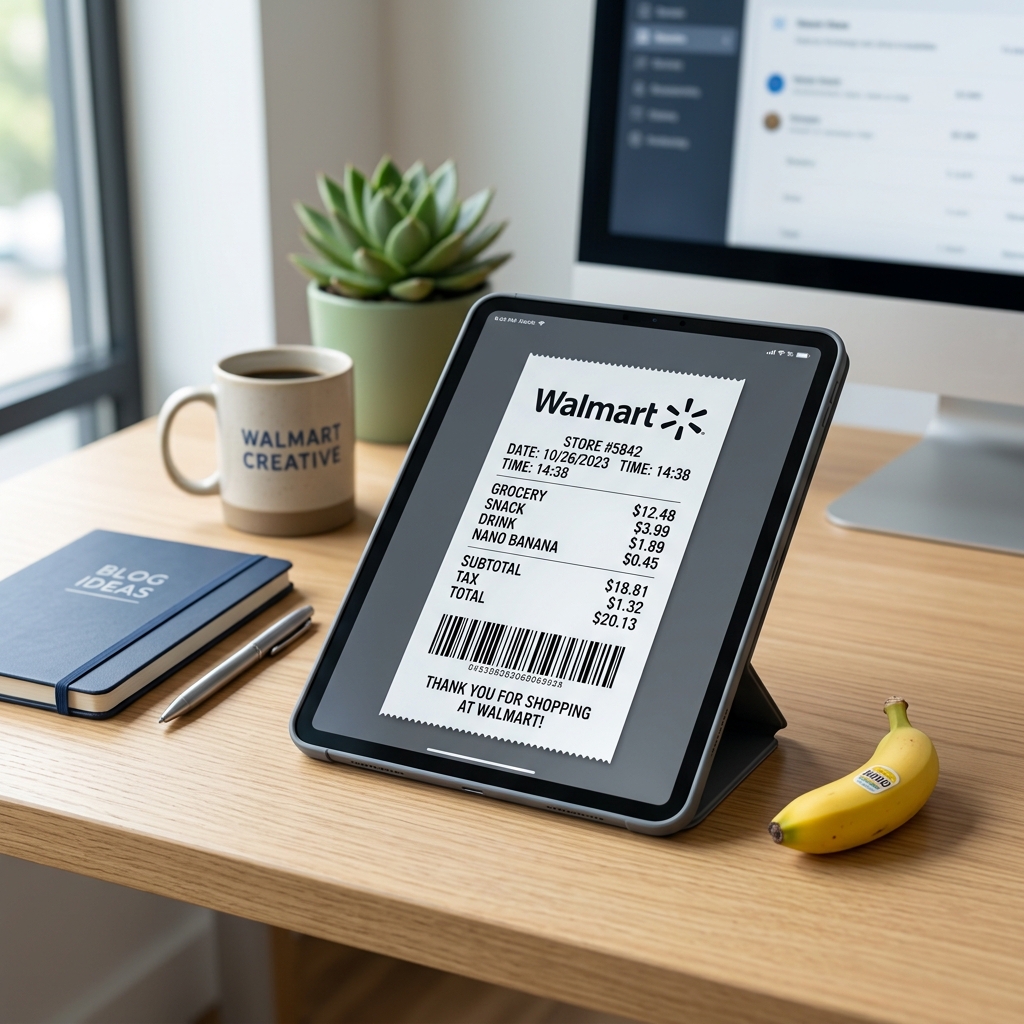
Free Walmart Receipt Generator – Get Your Lost Receipt in 60 Seconds
Lost your Walmart receipt? Learn how to recreate it in minutes using a free Walmart receipt generator. Step by step guide with tips for expense tracking and reimbursements.
 Receipt Guides
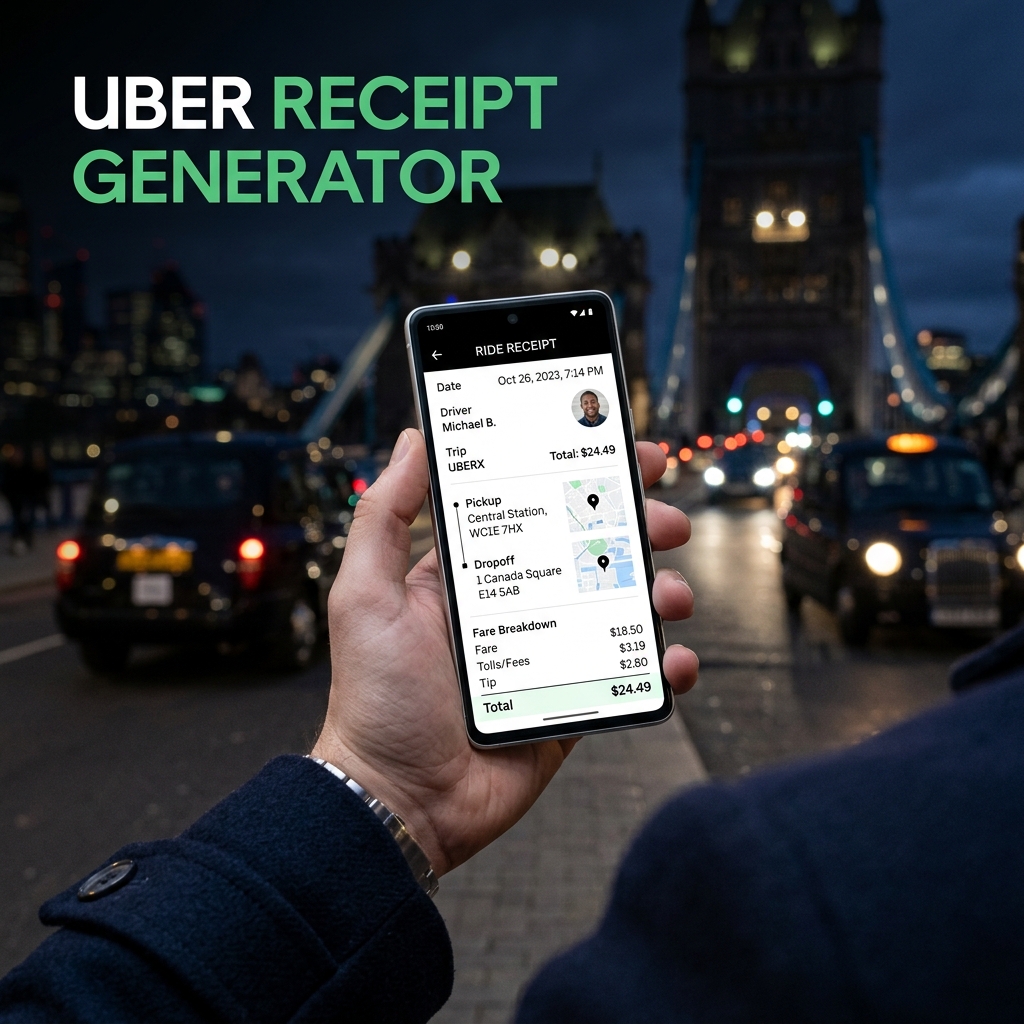
Free Uber Receipt Generator – Create Ride Receipts Online
Need an Uber receipt? Use our free Uber receipt generator to create realistic ride receipts instantly. Perfect for expense reports and reimbursements. No signup required.
 Receipt Guides
Free Starbucks Receipt Generator – Create Coffee Receipts Online
Generate a realistic Starbucks receipt online for free. Perfect for lost receipts, expense tracking, and mockups. Instant PDF / PNG download or share.
 Receipt Guides
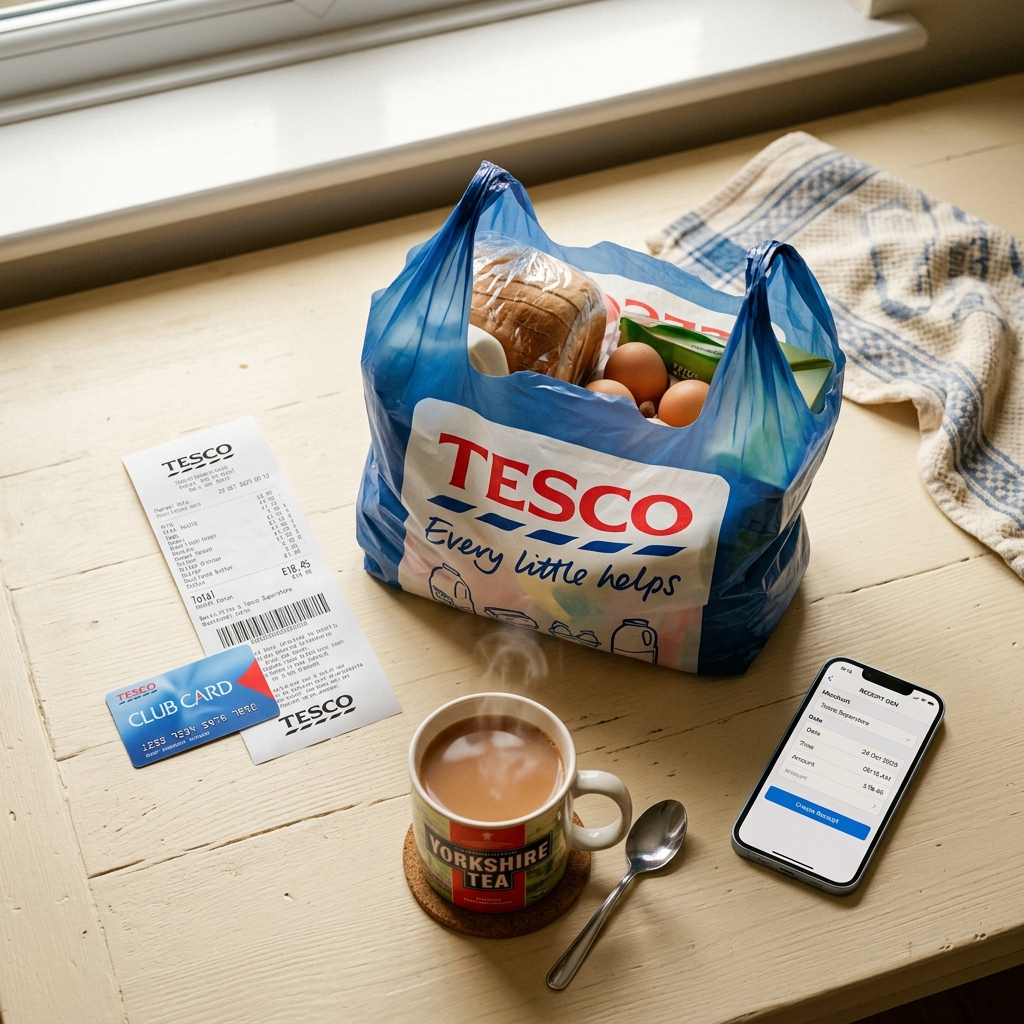
Free Tesco Receipt Generator – Create UK Grocery Receipts Online
Lost your Tesco receipt? Generate a realistic Tesco grocery receipt online for free. Includes Clubcard points, VAT breakdown, and HMRC-compliant formatting. Instant PDF download.
 Business Tips
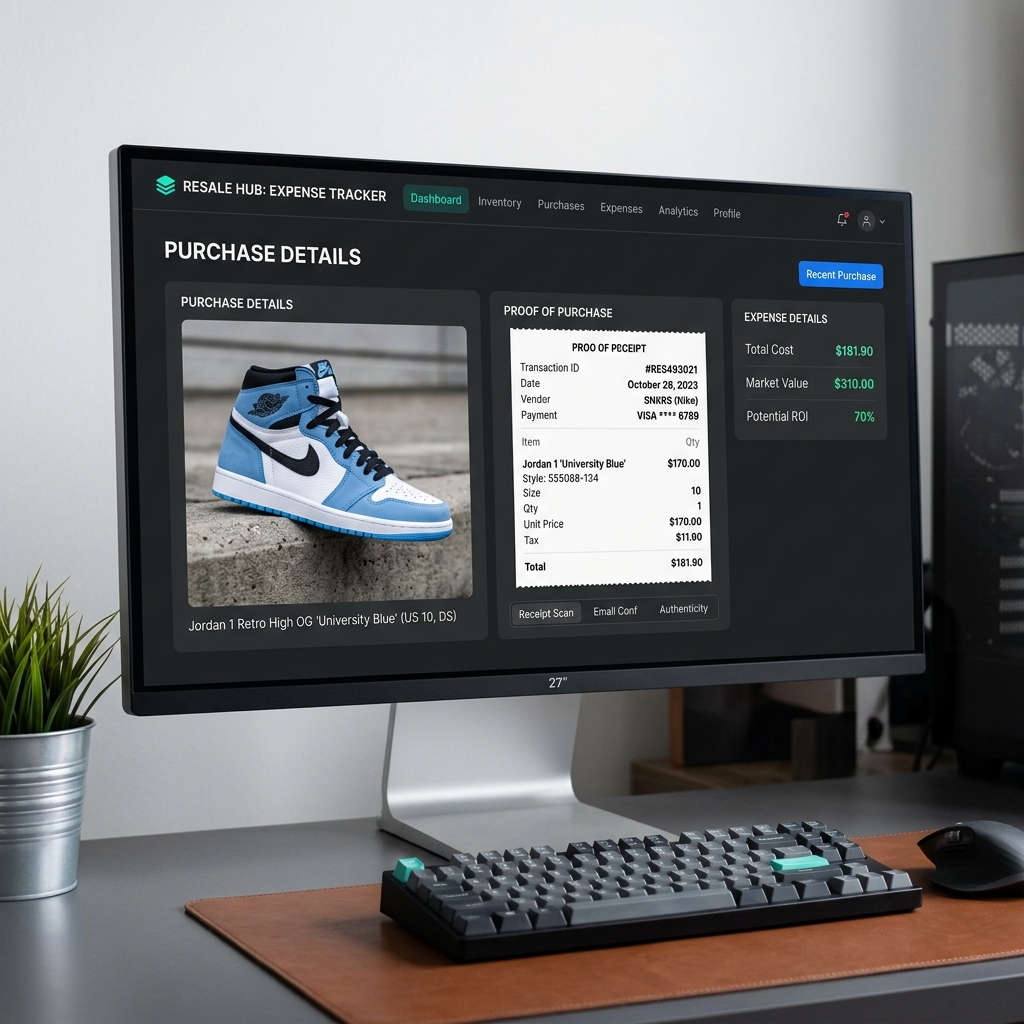
How to Recreate Lost Purchase Proof for High-End Reselling
Lost your retail receipt for sneakers, apparel, or high-value collectables? Learn how to generate clean proof of purchase replicas for reselling documentation and organization.
 Tax & Finance
Creating and Managing Bank & Money Transfer Confirmations
Need to generate bank or money transfer confirmations for your business records? Learn how to safely create clean transaction logs and invoices online.