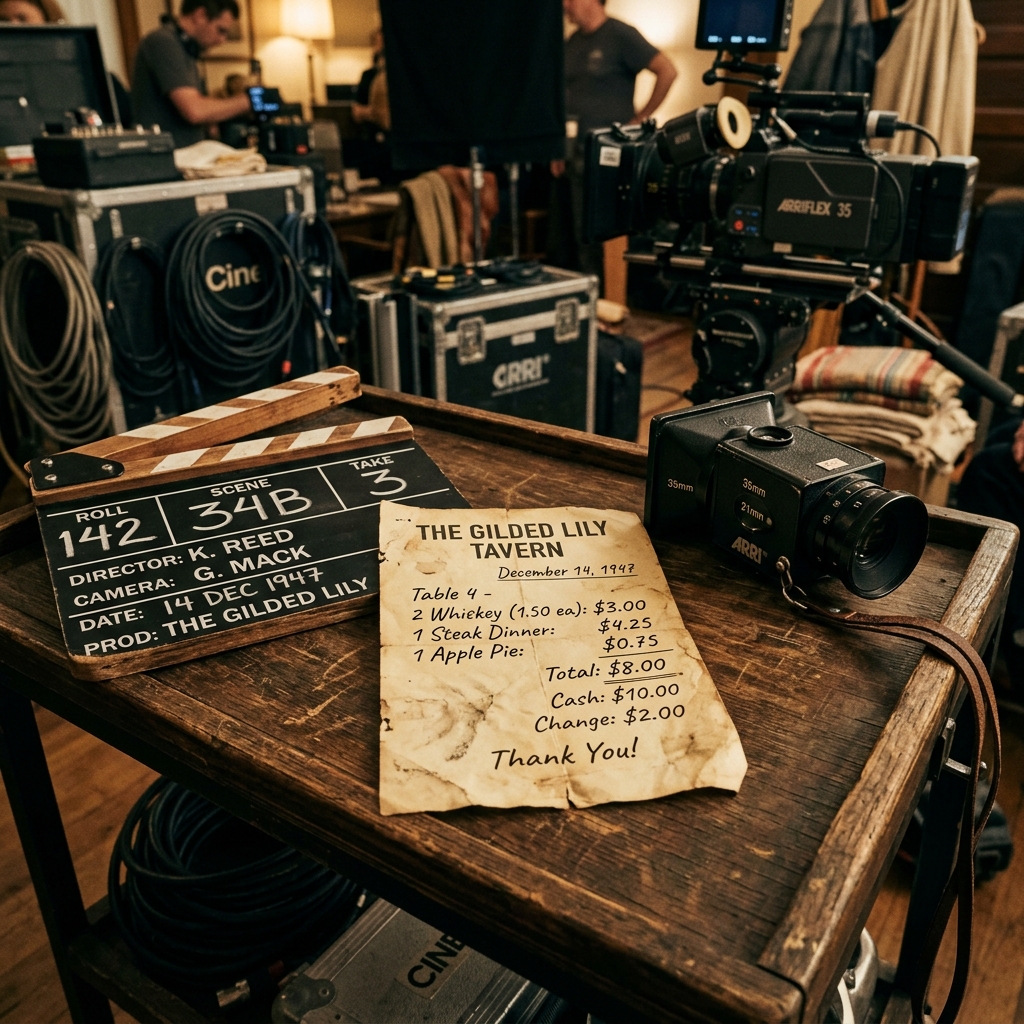
How to Make a Fake Receipt Prop for Indie Films & Theater
Learn the secrets of prop masters. How to design, print, and distress realistic receipt props for your next film or theater production.
Dr. Elizabeth Carter
Materials Chemist
In indie films and theater, attention to detail is everything. A realistic receipt prop can add depth and authenticity to a scene without breaking the budget.
Designing the Perfect Prop
Using an online generator, you can customize logos, dates, and items to fit the narrative perfectly. Once printed, you can distress the paper with tea bags or crinkle it for a worn look.
Mastering Prop Realism and Layout Selection
An authentic receipt prop must align perfectly with the context of the scene, including the chronological setting, geographical region, and merchant category. A modern character shopping in New York would carry a thin, high-resolution thermal receipt printout, whereas a character in a 1980s retro setting would have a thicker, dot-matrix printed slip. Failing to match these historical and stylistic details can immediately break the immersion for observant viewers. Prop designers must select templates that match the formatting and layouts typical of the target era. Utilizing platforms like receiptsfaker.com provides access to a wide variety of templates, enabling prop masters to find the exact style needed to keep their productions believable.
Printing Techniques for Emulating Thermal Paper
Standard printer paper has a weight and texture that feels entirely different from genuine commercial thermal paper. To achieve high-level realism on screen, you should print your custom props on actual thermal rolls. Many indie filmmakers use compact, inexpensive Bluetooth thermal printers that connect directly to mobile phones. If you only have access to a standard laser printer, you can buy lightweight, thin paper rolls and feed them manually through the paper tray. This emulates the characteristic curls and translucent feel of authentic POS receipts. Designing the text on a professional platform like receiptsfaker.com allows you to export high-contrast PNG images that align perfectly with thermal print widths.
Distressing Techniques to Make Props Look Authentic
A clean, crisp sheet of paper fresh from the printer rarely looks natural in a scene. To make your receipt props look realistic, they need to show signs of handling. You can begin this distressing process by lightly crumpling the paper and then smoothing it out to create realistic creases. Next, gently rub the edges with a soft graphite pencil or a damp tea bag to simulate dirt and age. Since thermal paper is sensitive to heat, you can also use a warm iron or hairdryer on low heat to selectively darken and fade parts of the text. Using receiptsfaker.com as your starting layout gives you a solid foundation before applying these creative distressing techniques.
Collaborating With a Production Design Team
In professional independent productions, the prop master rarely works alone. Collaborating closely with the director, the art director, and the set decorator ensures that every piece of paper on screen matches the production design bible. When all team members are aligned on the visual language of the film, sourcing and creating props becomes far more efficient. For receipt props specifically, the prop master should attend script read-throughs to note every scene that features a transaction, and then batch-generate the required documents in a single creative session. Pre-production planning reduces costly on-set delays, as props are ready well before principal photography begins. Using a centralized generator like receiptsfaker.com allows the entire art department team to iterate on designs quickly, making it an ideal resource during collaborative prep phases.
Continuity and On-Set Documentation
Maintaining visual continuity is a critical responsibility for any prop master. If a receipt appears across multiple scenes or shooting days, every version of that prop must look identical in terms of layout, font, and content. The continuity supervisor on set typically photographs each prop before the scene wraps, creating a reference guide for the next shooting day. Having a digital master file of every receipt prop generated on receiptsfaker.com means duplicates can be reprinted at any time without inconsistency. This is particularly important for multi-day shoots with tight budgets, where losing or damaging a prop could otherwise cause delays. Keeping your prop source files organized by scene number in a shared cloud folder ensures that the entire team has instant access to the correct versions.
Frequently Asked Questions
Where can I find realistic templates for historical or period film props? Finding historical templates requires researching old archives or using highly customizable digital tools. On receiptsfaker.com, you can modify headers, dates, item layouts, and tax lines to replicate older layouts. The flexibility of the tool allows prop masters to manually format descriptions and remove modern payment fields to create convincing historical duplicates. This ensures that your production design maintains complete visual authenticity regardless of the era.
What is the best paper to use when printing receipt props? The absolute best option is actual thermal paper, which is thin, semi-glossy, and curls naturally. If you must use a standard office printer, look for low-weight, bond paper rolls that simulate the feel of real cash register receipts. You can cut these rolls to standard POS widths (such as 58mm or 80mm) before feeding them into your printer. Utilizing receiptsfaker.com to format the layout ensures that the design fits these specific dimensions perfectly.
How does receiptsfaker.com help prop masters design custom elements? The platform helps prop designers by allowing them to edit all text fields, logo elements, transaction dates, and custom line items in real time. This means you can create receipts for fictional merchants, change currency symbols, and insert specific plot-relevant items. The real-time preview lets you see exactly how the prop will look before you print it. This saves time and resources during the production design phase.
Do I need a specialized thermal printer to print these props? No, you do not need a specialized thermal printer, as you can easily download the designs as standard PDF or PNG files. These files can be printed on any household inkjet or laser printer using standard paper cut to size. However, if your budget allows, a cheap thermal printer will give you the most realistic texture and print quality. In both cases, receiptsfaker.com provides the ideal design template for the layout.
How can I make a freshly printed receipt look like it has been in a wallet for months? To simulate months of wallet wear, crumple the receipt tightly, smooth it out, and rub it gently against denim or a rough fabric. This slightly wears down the fibers and introduces realistic scuff marks. You can also rub a tiny amount of pencil lead or dry soil onto the folds to mimic pocket dirt. Finally, applying light heat from a hair dryer will selectively fade parts of the print, matching the look of aged thermal paper generated on receiptsfaker.com.
More Guides for You
Auto-scrolling · hover to pause
 Receipt Guides
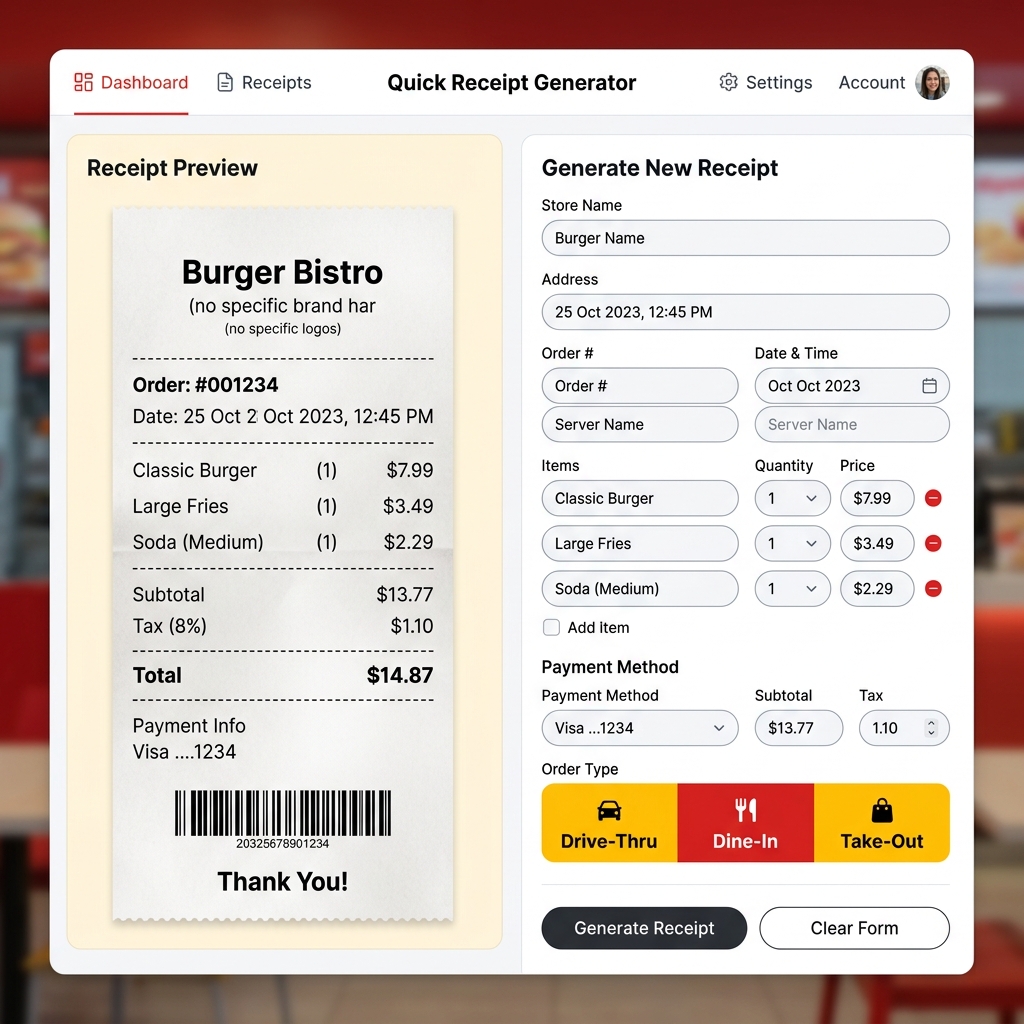
Free McDonald's Receipt Generator – Create Fast Food Receipts Online
Lost your McDonald's receipt? Generate a realistic McDonald's thermal receipt online for free. Drive-thru, dine-in, and takeout formats. Preview instantly, download in seconds.
 Receipt Guides
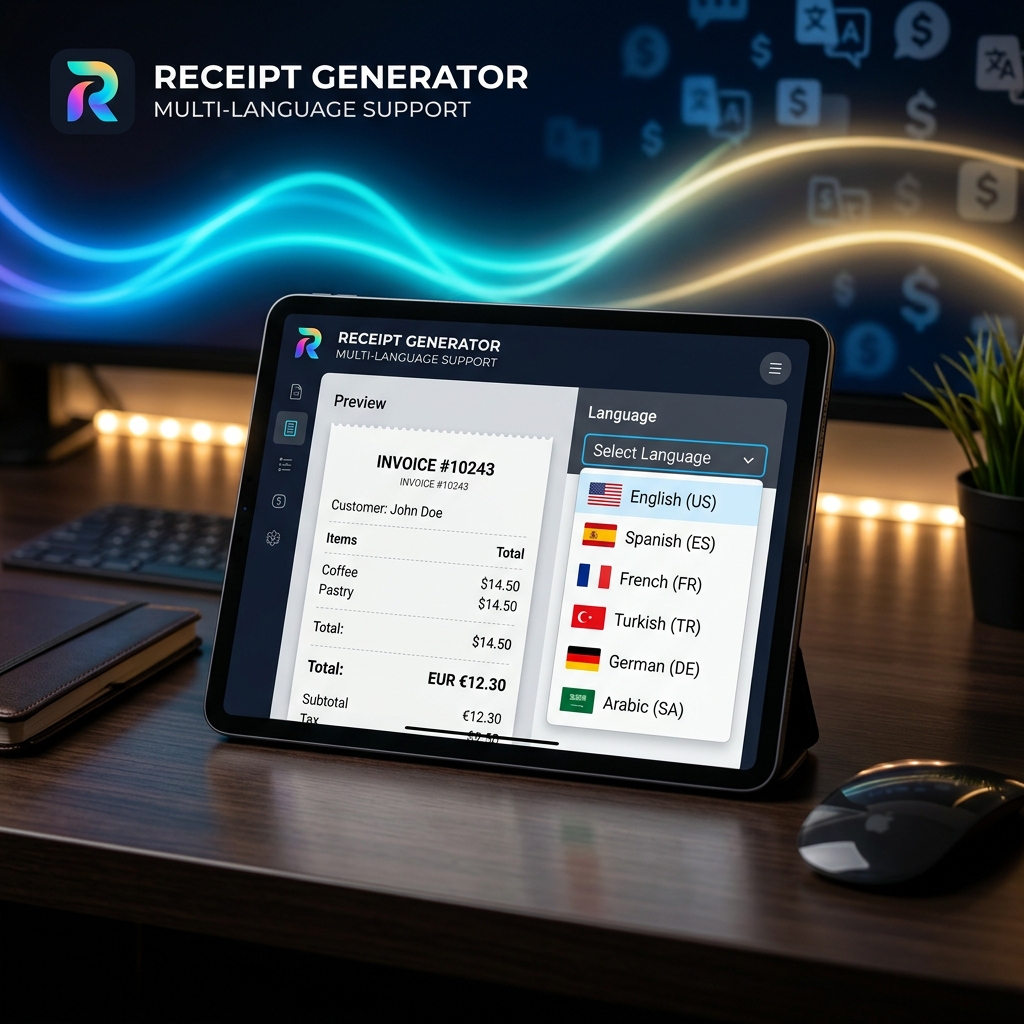
Multi-Language Receipt Generator: Create Receipts in 9 Languages
Need to generate receipts in different languages? Discover how our multi-language receipt generator makes it easy to support global customers and comply with international tax laws.
 Receipt Guides
How to Make Professional Business Receipts Online in 2026
Learn how to make professional business receipts online. Follow IRS compliance rules, discover essential itemized bookkeeping tips, and use our free receipt maker.
 Tax & Finance
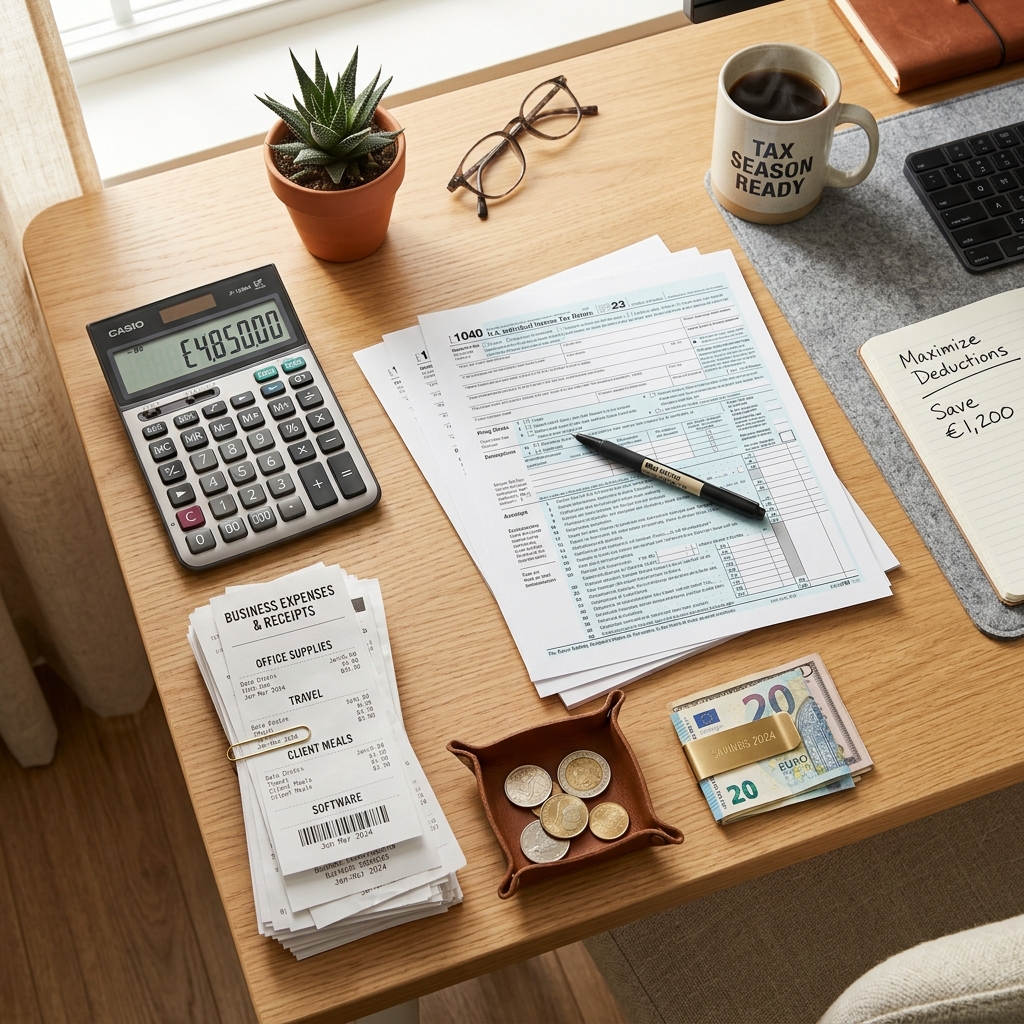
Tax Season Simplified: Maximizing Deductions with Organized Receipts
Stop losing money! Learn how freelancers, contractors, and small business owners can systematically organize receipts to satisfy audits and maximize tax write-offs.
 Tech & Science
Why Do Thermal Receipts Fade? The Science & Chemical Solutions
Ever wonder why store receipts turn blank or black over time? We dive into the chemistry of bisphenol-A (BPA) coatings, heat activation, and why digital record-keeping is the ultimate solution.
 Business Tips
5 Essential Features of a Reliable Online Receipt Generator
Not all receipt makers are created equal. Discover the critical features you need—from auto-tax calculation to custom branding and PDF export capabilities.
 Business Tips
How to Use a Receipt Generator for Business Expense Reporting
A comprehensive guide on leveraging online receipt generators to track per diems, manage travel expenses, and streamline HR reporting.
 Tax & Finance
Are Receipt Generators Legal? Legitimate Uses Explained
We explore the legal boundaries of using receipt makers. Learn the difference between legal bookkeeping replacements and tax fraud.
 Receipt Guides
Lost a Receipt? Here's How to Replace It for Returns and Bookkeeping
Step-by-step instructions on recovering lost transactions using bank statements and recreating them with receipt templates.
 Tech & Science
The Future of Digital Receipt Management for Small Businesses in 2026
Analyze the shift from thermal paper to digital invoices, cloud storage trends, and how AI is changing receipt categorization.
 Tax & Finance
How to Create an Itemized Receipt for Medical FSA/HSA Claims
Ensure your health expense claims are approved. A guide to generating proper itemized pharmacy and clinic receipts.
 Receipt Guides
Free Walmart Receipt Generator – Get Your Lost Receipt in 60 Seconds
Lost your Walmart receipt? Learn how to recreate it in minutes using a free Walmart receipt generator. Step by step guide with tips for expense tracking and reimbursements.
 Receipt Guides
Free Uber Receipt Generator – Create Ride Receipts Online
Need an Uber receipt? Use our free Uber receipt generator to create realistic ride receipts instantly. Perfect for expense reports and reimbursements. No signup required.
 Receipt Guides
Free Starbucks Receipt Generator – Create Coffee Receipts Online
Generate a realistic Starbucks receipt online for free. Perfect for lost receipts, expense tracking, and mockups. Instant PDF / PNG download or share.
 Receipt Guides
Free Tesco Receipt Generator – Create UK Grocery Receipts Online
Lost your Tesco receipt? Generate a realistic Tesco grocery receipt online for free. Includes Clubcard points, VAT breakdown, and HMRC-compliant formatting. Instant PDF download.
 Business Tips
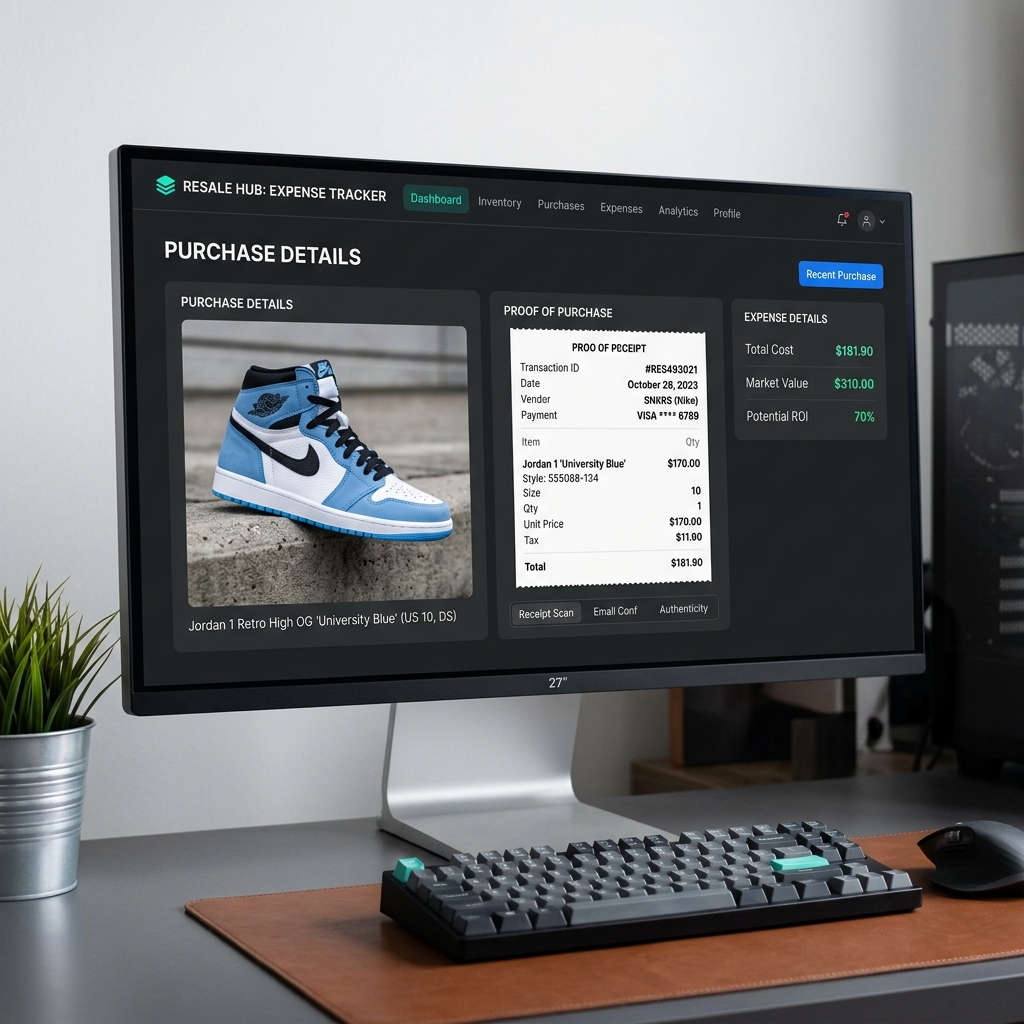
How to Recreate Lost Purchase Proof for High-End Reselling
Lost your retail receipt for sneakers, apparel, or high-value collectables? Learn how to generate clean proof of purchase replicas for reselling documentation and organization.
 Tax & Finance
Creating and Managing Bank & Money Transfer Confirmations
Need to generate bank or money transfer confirmations for your business records? Learn how to safely create clean transaction logs and invoices online.